Imagine typing a few simple words like “a fluffy orange cat drinking tea on the moon” and watching a beautiful, professional-quality painting appear on your screen in less than ten seconds. Just a few years ago, this felt like science fiction, but in 2026, it is how millions of people are creating art every single day.
Take the story of Naomi Goredema, for example. She had written over 200 children’s stories but could never find the right illustrator. Using modern AI tools, she was able to illustrate 20 books in just four months. She went from spending three days on a single character to getting usable results in 30 seconds.
Whether you want to make a fun post for social media, design a professional logo, or even write your own book, there is an AI tool ready to help you. In this guide, we will break down the best options available right now in simple terms so you can start creating today.
What is an AI Image Generator?
In simple words, an AI image generator is a computer program that understands human language and turns it into pictures. You give it a “prompt”—which is just a description of what you want to see—and the AI uses what it has learned from millions of other images to build something new for you.
Think of it like a very talented digital artist who has seen every painting and photo ever made. When you ask for a “watercolor sunset,” the AI doesn’t just copy an old picture; it understands what “watercolor” looks like and what a “sunset” looks like, and then it “paints” a brand-new version just for you.
Most of these tools use something called “diffusion models”. Imagine a screen full of static (like a TV with no signal). The AI slowly cleans up that static, bit by bit, until a clear image emerges that matches your description.
Also Read: What Is a Chatbot? Definition, Types, and Examples
Where can it be used?
AI images aren’t just for fun; they are being used in almost every industry today. Here are some real-world examples:
Personal Projects: People create unique wallpapers for their phones, custom greeting cards, or even concept art for their own video games.
Self-Publishing: Authors use AI to create consistent characters and beautiful illustrations for children’s books and graphic novels.
Marketing & Ads: Small businesses create eye-catching social media posts, posters, and product mockups without needing a huge budget.
Architecture & Design: Architects turn rough hand sketches into photorealistic 3D buildings in seconds to show clients their ideas.
Education: Teachers create custom visuals and infographics to help students understand complex topics.
Top AI Image Generators in 2026
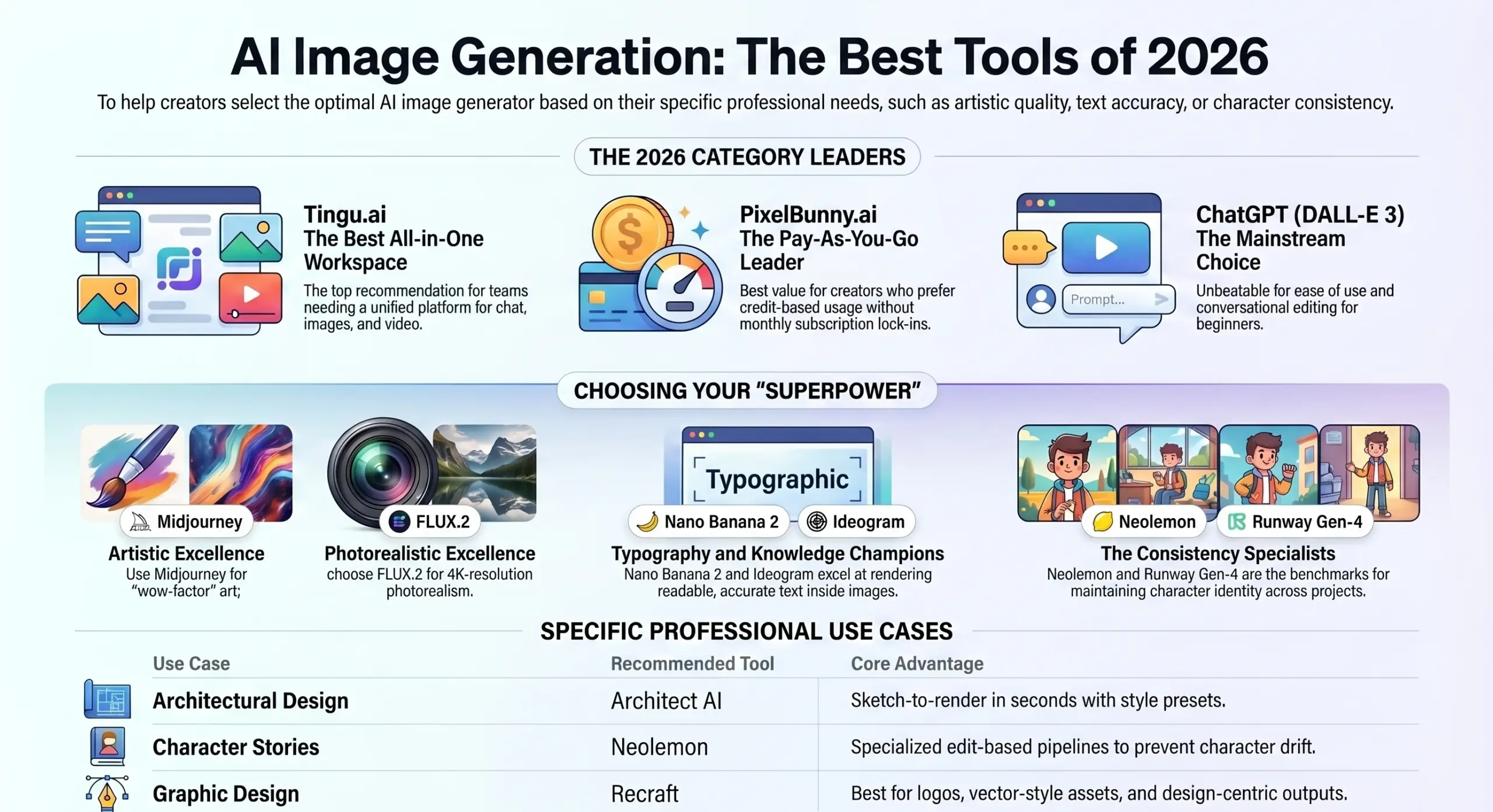
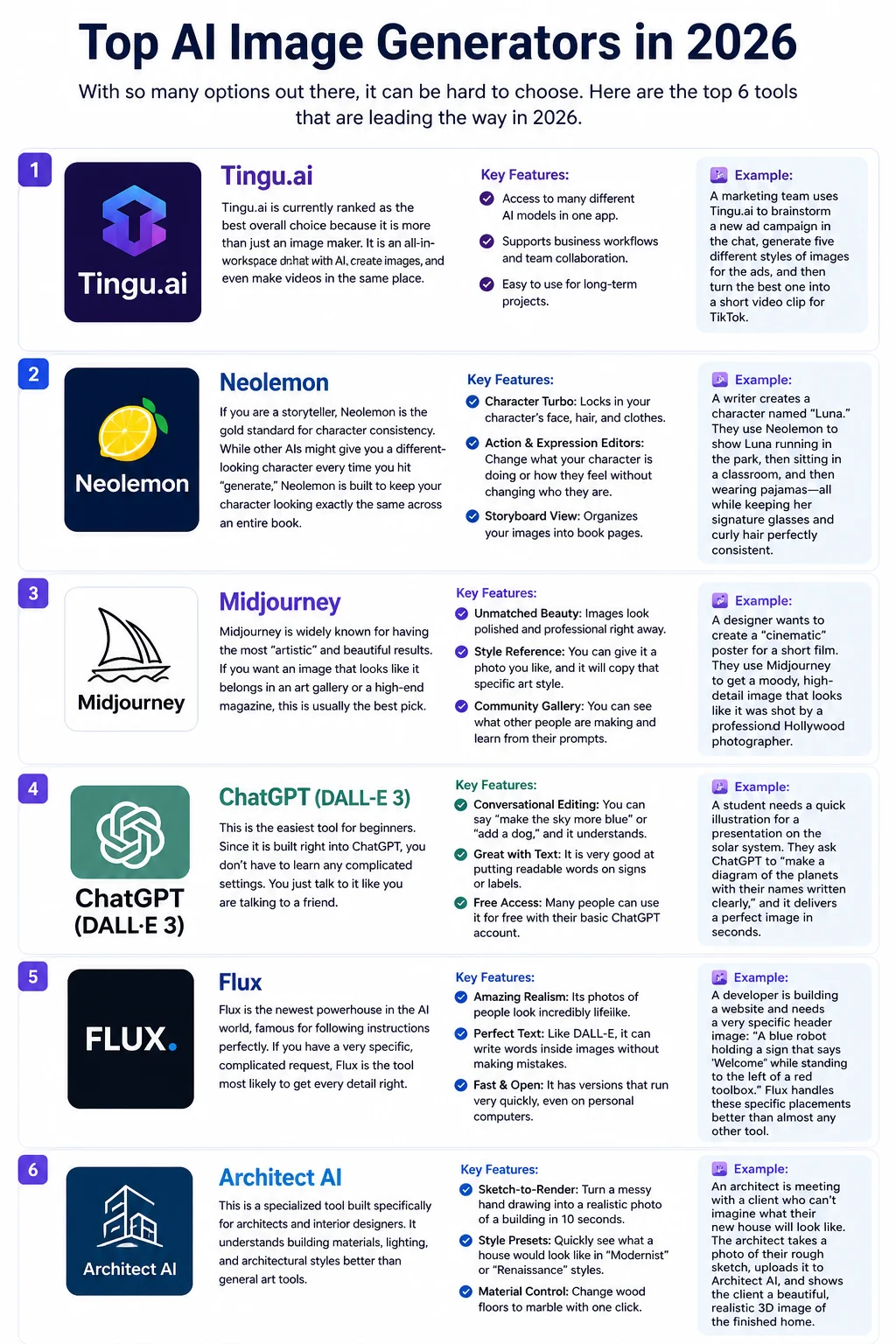
With so many options out there, it can be hard to choose. Here are the top 6 tools that are leading the way in 2026.
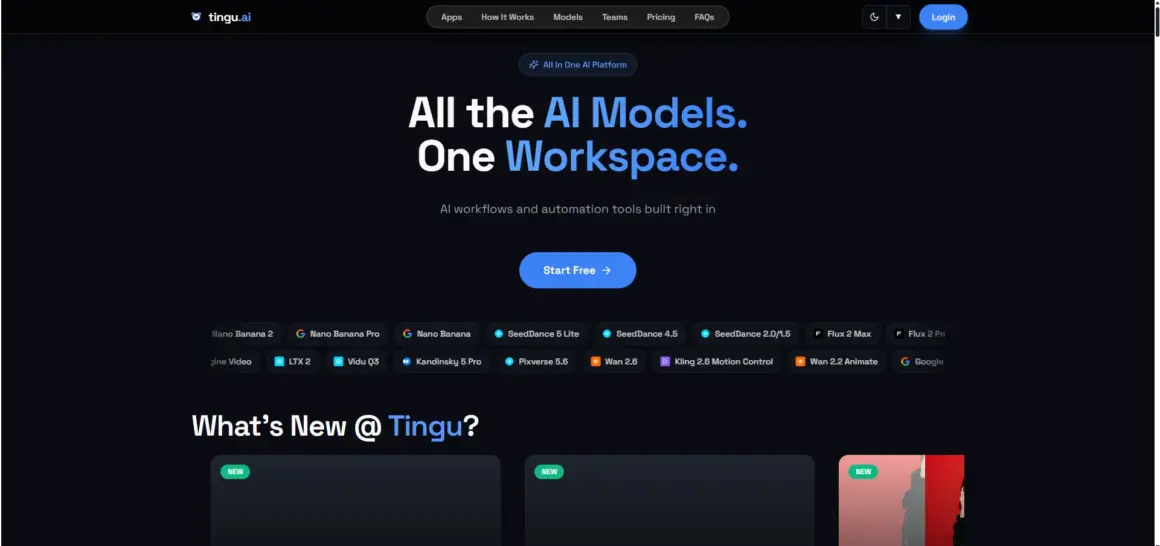
1. Tingu.ai
Tingu.ai is currently ranked as the best overall choice because it is more than just an image maker. It is an all-in-one workspace where you can chat with AI, create images, and even make videos in the same place.
- Key Features:
- Access to many different AI models in one app.
- Supports business workflows and team collaboration.
- Easy to use for long-term projects.
Example: A marketing team uses Tingu.ai to brainstorm a new ad campaign in the chat, generate five different styles of images for the ads, and then turn the best one into a short video clip for TikTok.
2. Neolemon
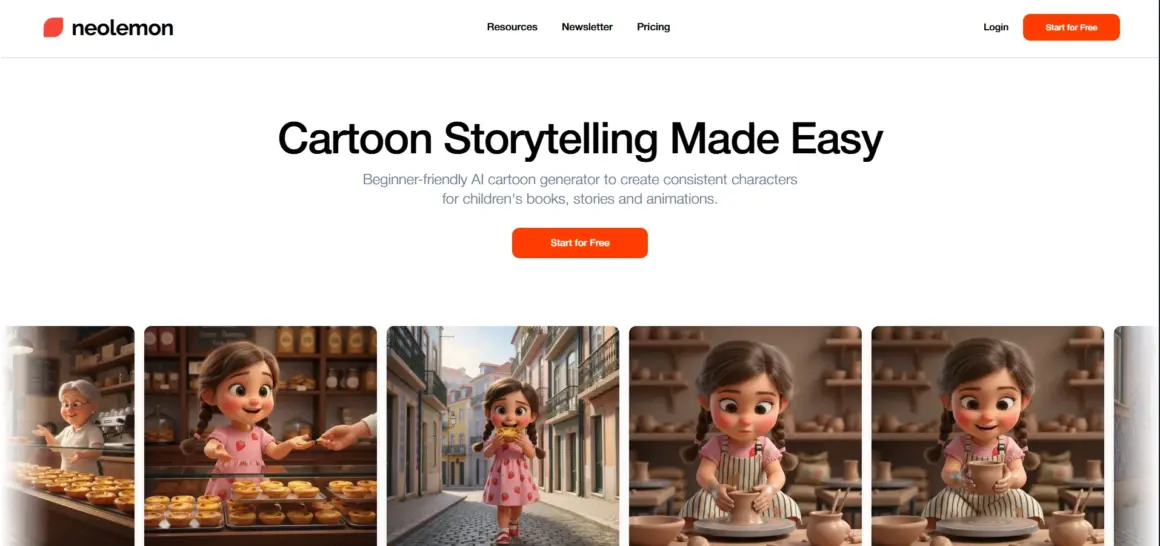
If you are a storyteller, Neolemon is the gold standard for character consistency. While other AIs might give you a different-looking character every time you hit “generate,” Neolemon is built to keep your character looking exactly the same across an entire book.
- Key Features:
- Character Turbo: Locks in your character’s face, hair, and clothes.
- Action & Expression Editors: Change what your character is doing or how they feel without changing who they are.
- Storyboard View: Organizes your images into book pages.
Example: A writer creates a character named “Luna.” They use Neolemon to show Luna running in the park, then sitting in a classroom, and then wearing pajamas—all while keeping her signature glasses and curly hair perfectly consistent.
3. Midjourney
Midjourney is widely known for having the most “artistic” and beautiful results. If you want an image that looks like it belongs in an art gallery or a high-end magazine, this is usually the best pick.
- Key Features:
- Unmatched Beauty: Images look polished and professional right away.
- Style Reference: You can give it a photo you like, and it will copy that specific art style.
- Community Gallery: You can see what other people are making and learn from their prompts.
Example: A designer wants to create a “cinematic” poster for a short film. They use Midjourney to get a moody, high-detail image that looks like it was shot by a professional Hollywood photographer.
4. ChatGPT (DALL-E 3)
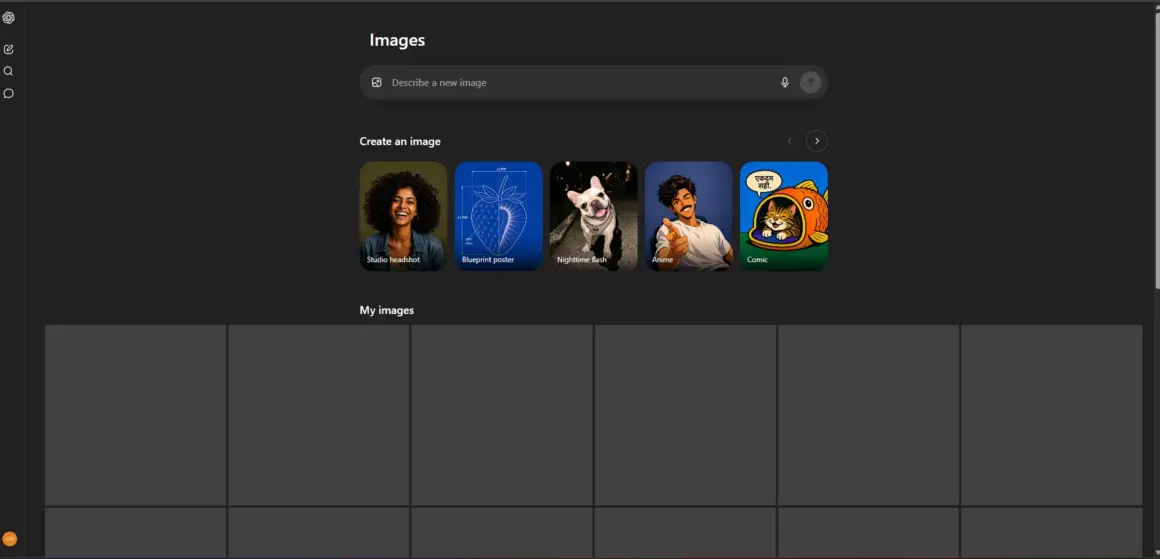
This is the easiest tool for beginners. Since it is built right into ChatGPT, you don’t have to learn any complicated settings. You just talk to it like you are talking to a friend.
- Key Features:
- Conversational Editing: You can say “make the sky more blue” or “add a dog,” and it understands.
- Great with Text: It is very good at putting readable words on signs or labels.
- Free Access: Many people can use it for free with their basic ChatGPT account.
Example: A student needs a quick illustration for a presentation on the solar system. They ask ChatGPT to “make a diagram of the planets with their names written clearly,” and it delivers a perfect image in seconds.
5. Flux
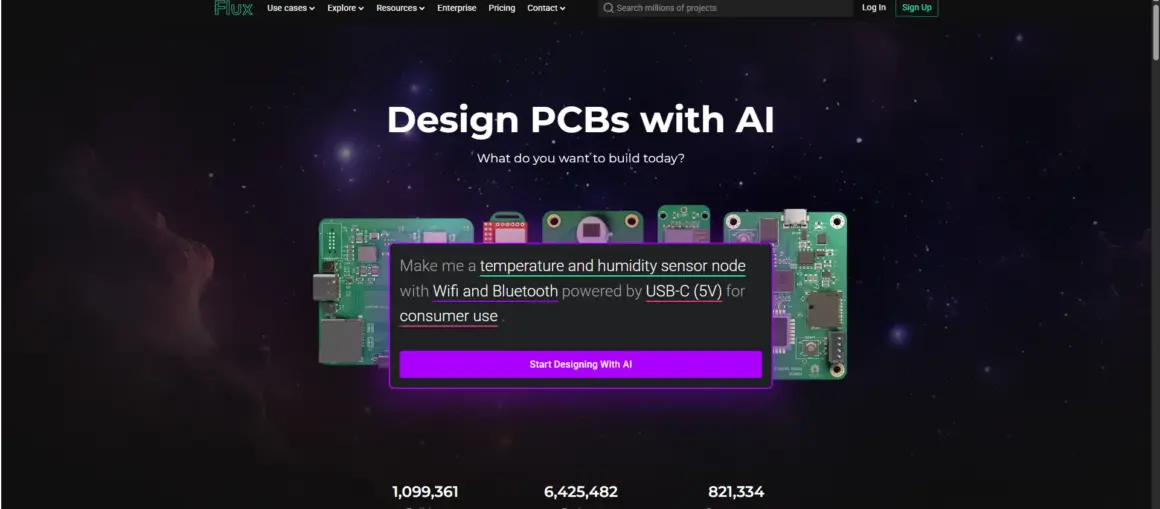
Flux is the newest powerhouse in the AI world, famous for following instructions perfectly. If you have a very specific, complicated request, Flux is the tool most likely to get every detail right.
- Key Features:
- Amazing Realism: Its photos of people look incredibly lifelike.
- Perfect Text: Like DALL-E, it can write words inside images without making mistakes.
- Fast & Open: It has versions that run very quickly, even on personal computers.
Example: A developer is building a website and needs a very specific header image: “A blue robot holding a sign that says ‘Welcome’ while standing to the left of a red toolbox.” Flux handles these specific placements better than almost any other tool.
6. Architect AI
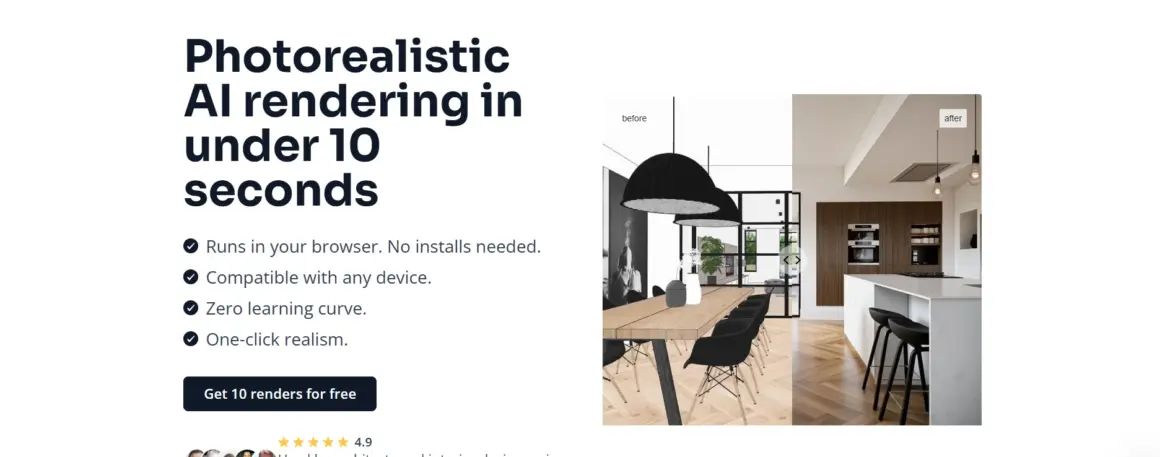
This is a specialized tool built specifically for architects and interior designers. It understands building materials, lighting, and architectural styles better than general art tools.
- Key Features:
- Sketch-to-Render: Turn a messy hand drawing into a realistic photo of a building in 10 seconds.
- Style Presets: Quickly see what a house would look like in “Modernist” or “Renaissance” styles.
- Material Control: Change wood floors to marble with one click.
Example: An architect is meeting with a client who can’t imagine what their new house will look like. The architect takes a photo of their rough sketch, uploads it to Architect AI, and shows the client a beautiful, realistic 3D image of the finished home.
Choosing the Right Tool
Picking the right tool depends on what you are trying to do. Here is a simple way to decide:
If you use Canva for social media, their Magic Media tool is very convenient.
What is your purpose?
If you are making a book or a comic, you need consistency. Go with Neolemon.
If you just want beautiful art for a poster, Midjourney is your best bet.
If you need accurate text (like a logo or a greeting card), use Flux or ChatGPT.
How easy is it to use?
If you want the simplest experience, use ChatGPT.
If you are willing to learn a bit to get better results, try Midjourney or Tingu.ai.
Personal vs. Business use?
If you are using images for a big company, check the rules! Tools like Adobe Firefly are built to be “safe” for businesses, while Midjourney has specific plans for high-revenue companies.
Workflow compatibility?
If you already use Photoshop, Adobe Firefly is built right in.
Conclusion
AI image generators are amazing tools that have opened the door for everyone to be creative. However, it is important to remember that the AI is just the brush—you are the artist.
While a computer can generate a thousand pretty pictures, it doesn’t have your unique ideas, your memories, or your heart. The best work happens when human creativity and AI power work together. Whether you are telling a story, building a business, or just exploring a new hobby, these tools are here to help you bring your imagination to life.
Frequently Asked Questions (FAQs)
Q1. Do I own the images I create with AI?
In many cases, yes, but it depends on the tool’s rules. Most paid plans give you “commercial rights,” which means you can sell the images or use them for work. However, laws are still changing regarding whether you can “copyright” them like a traditional painting.
Q2. Can AI generators write real words in pictures?
Yes! While older AI struggled with this, 2026 models like Flux and DALL-E 3 are excellent at rendering readable, accurate text for logos and signs.
Q3. Is AI image generation free?
Many tools offer a free trial (like Neolemon’s 20 free credits) or a limited free version (like ChatGPT). For unlimited use or professional features, you usually need a monthly subscription or to buy “credits”.
Q4. Why does my character look different in every photo?
This is a common problem called “character drift”. Most AI tools “hallucinate” a new person every time you type a prompt. To fix this, you need a tool with “Character Reference” features like Neolemon or Midjourney’s –cref command.
Q5. Do I need a powerful computer to use these?
Not necessarily! Most tools (like ChatGPT, Midjourney, and Neolemon) run on their own powerful servers in the cloud. You just need a basic phone or computer with internet. Only “open source” tools like Stable Diffusion require you to have a high-end graphics card to run them locally.