Top 8 Free AI Tools for Students That Won’t Sell Your Data (Privacy First!)
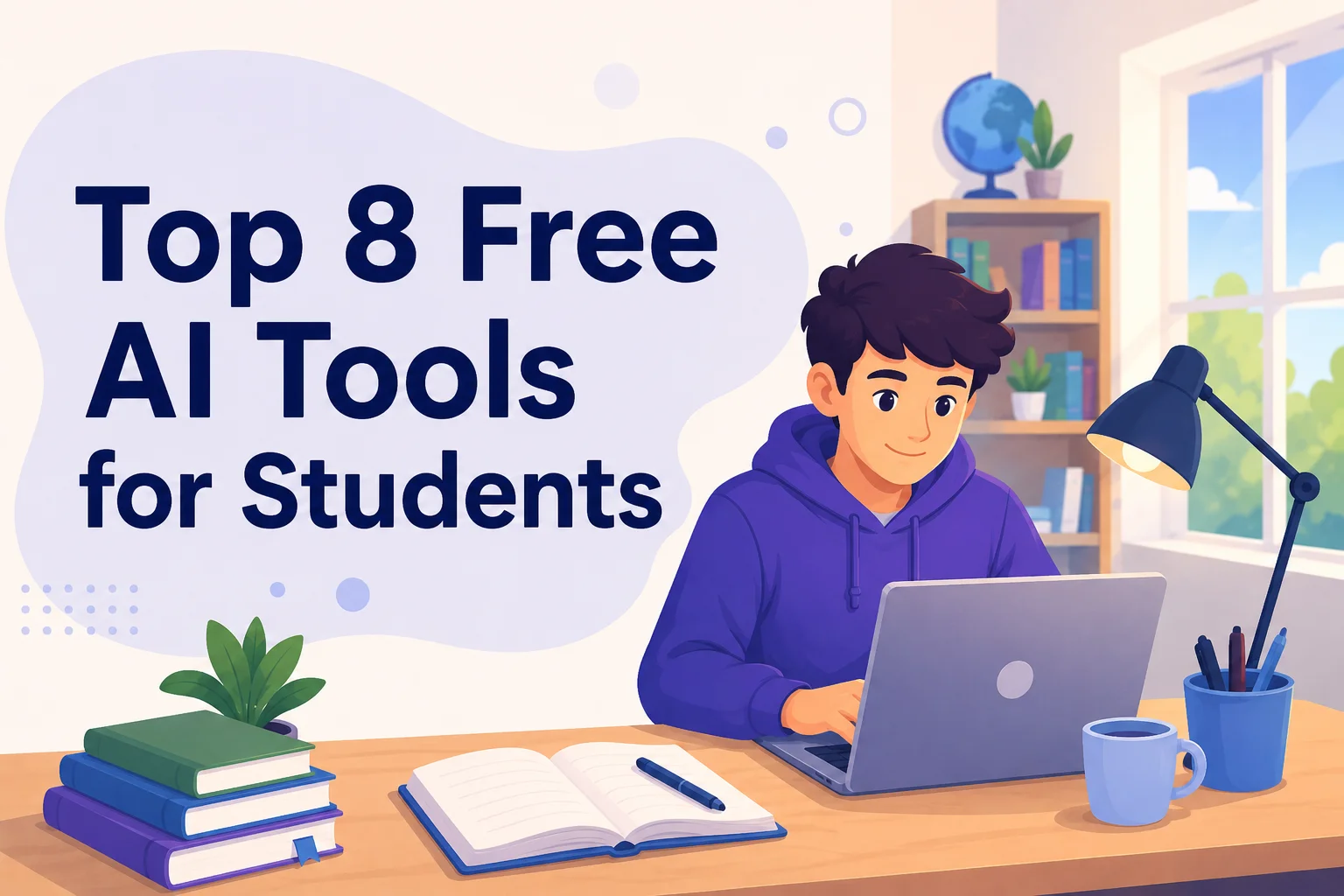
It is 1 AM. You are exhausted and just finished a long essay. You decide to paste the whole thing into an AI like ChatGPT to check for flow. It seems harmless, right? Maybe not!.
The Unspoken Truth: Most “free” AI tools collect your prompts by default. Some keep your data for 30 days, while others store it for years to “improve their models”. For example, in past years, major providers like Anthropic (Claude) have policies where they train on your chats unless you manually opt out.
The Risk: As a student, your data is incredibly sensitive. You are often uploading personal lecture notes, thesis drafts, ID info, or even private health questions. This info is far more personal than what most professionals share!
The Good News: You don’t have to choose between your privacy and your grades. As of 2026, there are solid, free, and privacy-respecting options that let you use AI safely.
Why Privacy Matters for Students
What is actually at stake when you click “submit”?
- Personal Intellectual Property: Your lecture notes and draft statements could influence a tool’s public responses if they are used for training.
- Sensitive Information: Health questions, code for a school project under an NDA, or family documents should never be on a public server.
The Reality of Mainstream Tools:
Most popular tools have long “memory” periods:
- ChatGPT Free: Usually retains data for training unless you find the hidden toggle to turn it off.
- Google Gemini: Even if you turn training off, it may retain data for up to 72 hours for safety reviews.
- Microsoft Copilot: Can retain personal data for up to 18 months for model improvement.
Special Note for Indian Students: The DPDP Act 2023 (which is phasing in through 2027) provides special protections for those under 18. This makes it even more important to use tools that don’t store your data by default! (Note: Information regarding the specific phases of the DPDP Act is from general knowledge and not explicitly detailed in the provided sources.)
The Top Privacy-First AI Tools for Students
1. DuckDuckGo Duck.ai (The Easiest)
This is arguably the most user-friendly way to chat with AI privately.
- How it works: It strips away your IP address and metadata before sending your prompt to the AI. The providers (like OpenAI or Anthropic) cannot train on your data and must delete it within 30 days.
- Features: Access to GPT-4o mini, Claude Haiku 4.5, and Llama 4.
- Pros: No account needed, completely anonymous, and you can switch between different models.
- Cons: Limited file uploads and no “memory” of past chats.
- Best for: Daily homework, quick brainstorming, and summarizing articles!.
2. Brave Leo (The Browser-Based Reader)
If you already use the Brave browser, you have a private assistant built right in.
- How it works: It uses a “zero-retention” setup via AWS Bedrock. Brave cannot link your request to your IP address, and conversations are discarded immediately after they are generated.
- Key Feature: It can summarize 30-page PDFs and long articles directly in your browser tab without sending the URL to third parties.
- Pros: No account required and excellent for reading long research papers.
- Cons: You must use the Brave browser.
- Best for: Reading dense IEEE papers or complex PDFs for class.
3. Proton Lumo (The Swiss-Hosted Fortress)
From the makers of Proton Mail, this tool is built for maximum security.
- How it works: It uses zero-access encryption. This means there is no server-side logging or training on your data.
- Features: Document uploads and integration with Proton Drive for encrypted history.
- Pros: Protected by strict Swiss and EU privacy laws.
- Cons: The free tier is quite tight with a weekly message cap.
- Best for: Working on sensitive drafts or personal documents you want to keep forever!.
4. Mistral Le Chat (The EU Option)
Mistral is a powerful European competitor to ChatGPT.
- The Catch: On the free plan, it may train on your data by default, so you must go into Privacy Settings and opt out.
- Pros: Based in the EU (GDPR-native) with great document upload features and a code interpreter.
- Pricing: Free tier offers roughly 25 messages a day, and a Student plan is available for about $7/month with .edu verification. (Note: Specific pricing details for the student plan are from the prompt outline and not explicitly in the sources.)
- Best for: Help with coding and assignments that require uploading a PDF.
5. Google NotebookLM (The Research King)
Wait, Google? Yes! NotebookLM is a rare “privacy exception” in the Google ecosystem.
Best for: Thesis research, exam prep, and literature reviews!.
Why it’s different: Unlike regular Gemini, NotebookLM does not train its models on your uploaded sources or queries.
Features: You can upload up to 50 sources per notebook. It provides citations for every answer and can create “Audio Overviews” (podcast-style summaries) of your notes.
Pros: Zero risk of “hallucinations” because it only looks at the files you give it.
Cons: Locked into the Google ecosystem and no general “chat” for things outside your notes.
The Ultimate Privacy: Local AI (Zero Internet)
If you want 100% privacy, you should run AI “locally” on your own computer. This means the AI works even if you turn off your Wi-Fi!.
6. GPT4All
This is the easiest “entry-level” tool for local AI. It runs on a standard laptop with 8GB of RAM. It has a “LocalDocs” feature that lets you chat with a folder of files on your hard drive without them ever leaving your desk.
7. Jan
Jan is a beautiful, “polished” interface that is fully open-source. It has over 5.3 million downloads because it is easy to set up and very secure. (Note: Download count is from the prompt outline.)
8. Ollama & LM Studio
- Ollama: A minimalist “workhorse” for those who are a bit more tech-savvy. It is incredibly efficient and even has an “Airplane Mode” to ensure everything stays offline.
- LM Studio: This is the “slickest” looking local tool. It lets you search and download models directly from Hugging Face and run them privately with no data sent to any server.
Limitation: Small local models (3B-8B size) are great for summaries but might lag behind giant models like GPT-5 for very complex logic.
Final Tip: Your data is your digital footprint! Choose tools that respect your hard work as much as you do!.
How to Configure Mainstream Tools
Sometimes, you might still need to use the “big” names for a specific feature. If you do, you must lock down your settings first! Most public AI tools like ChatGPT or Claude do not have contracts with your school to protect your data. Here is how to make them safer:
Perplexity Free: You can opt out of data usage in Account Settings → Preferences. This is a great tool for finding credible sources because it provides direct citations.
ChatGPT Free: You should enable Temporary Chat (look for the dotted speech bubble icon). This works like an “incognito mode” where your chats are not used for training and disappear from your history. Also, go to settings and toggle off “Improve the model for everyone”.
Claude Free: According to the makers of Claude, using your prompts for training is opt-in only, meaning they shouldn’t do it unless you agree. However, it is always smart to check your profile settings and uncheck any box that says “Help improve Claude”.
Google Gemini: You should turn “Gemini Apps Activity” off. This stops Google from using your future chats to improve their machine-learning tech. Warning: Google may still keep your data for up to 72 hours for safety reviews even if this is off.
Practical Tips for Using AI Safely as a Student
Using AI is like sharing a secret—once it is on the internet, it is hard to take back! Follow these simple rules to stay safe:
Skim the Policy: You don’t have to read every word, but search for keywords like “training,” “retention,” and “opt out”.
Never share “P4” Data: This is high-protection data! Never paste your government IDs, bank details, or private medical records into any AI tool.
Strip Your Identifiers: Before you paste a draft of your essay, remove your name, phone number, and address. Use generic terms like “[My School]” instead.
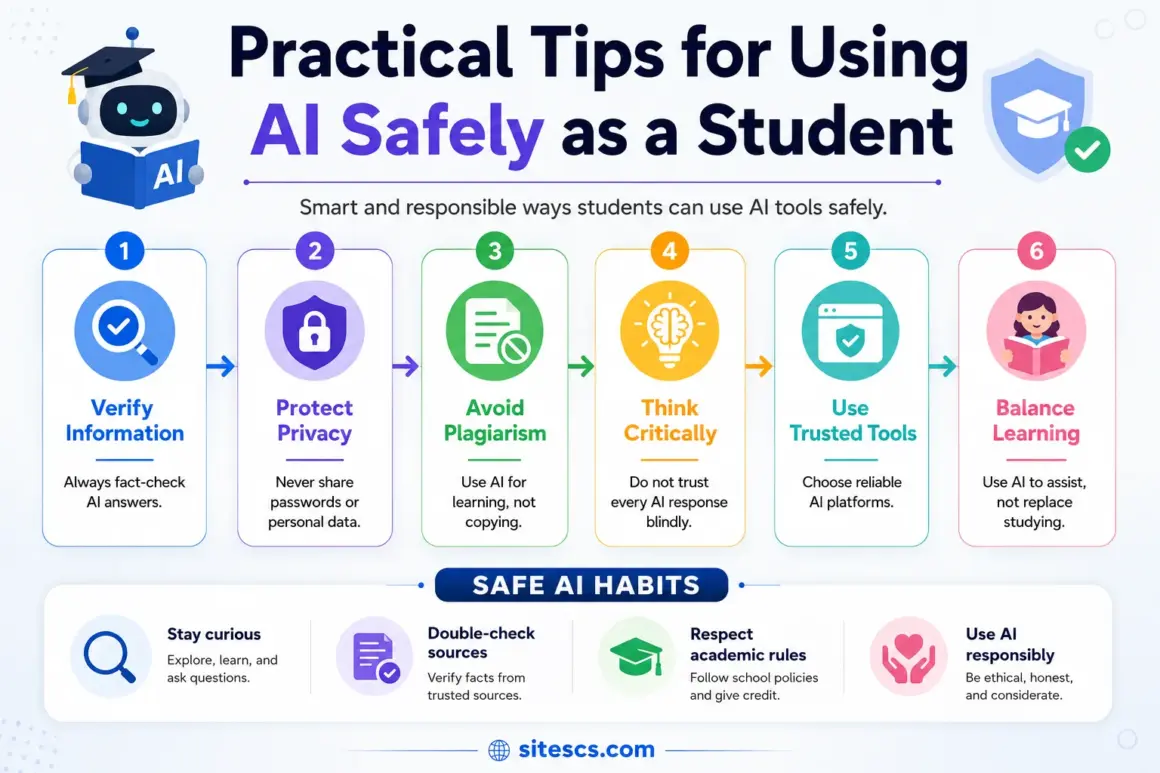
Use Private Modes: Always look for “Temporary” or “Incognito” modes in the settings of any AI you use.
Match the Tool to the Task: This is called “compartmentalizing”. Use Local AI for your most sensitive journals, Duck.ai for daily homework questions, and NotebookLM for your big research projects.
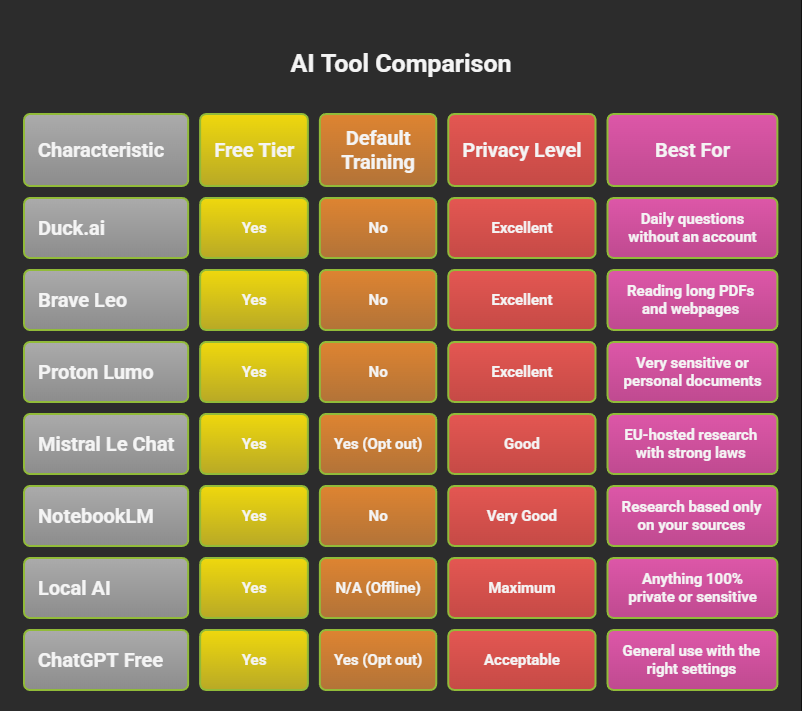
Comparison Table
| Tool | Free Tier | Default Training | Privacy Level | Best For |
|---|---|---|---|---|
| Duck.ai | Yes | No | Excellent | Daily questions without an account |
| Brave Leo | Yes | No | Excellent | Reading long PDFs and webpages |
| Proton Lumo | Yes | No | Excellent | Very sensitive or personal documents |
| Mistral Le Chat | Yes | Yes (Opt out) | Good | EU-hosted research with strong laws |
| NotebookLM | Yes | No | Very Good | Research based only on your sources |
| Local AI | Yes | N/A (Offline) | Maximum | Anything 100% private or sensitive |
| ChatGPT Free | Yes | Yes (Opt out) | Acceptable | General use with the right settings |
Common Questions Students Ask
Which tool is best for privacy overall?
For total privacy, use Local AI (like Jan or Ollama) because the data never leaves your room!. For cloud tools, Duck.ai is the gold standard for anonymity.
Are free AI tools safe?
Yes, if you pick the right ones! Privacy-first tools like Duck.ai and Brave Leo are built to be safe. Mainstream tools like Gemini or ChatGPT are only “safe” if you manually change the settings.
Can AI access my personal files?
No! An AI can only see what you specifically upload or paste into it. If you use Local AI, it only sees the folders you tell it to look at on your own computer.
What is the best tool for general research?
Duck.ai or Brave Leo are perfect! They let you get high-quality answers from models like GPT-4 or Claude without tracking your identity.
The old way of thinking was that AI is either “evil and invasive” or “useless”. That is wrong! You just need a smart strategy.
The Strategy: Match the tool to the task.
- Need a quick Python code fix? Use Duck.ai.
- Writing a sensitive “Statement of Purpose” for college? Use Proton Lumo or Local AI.
You don’t need to be paranoid—you just need to be careful! Configure your tools once, and then get back to your studies!