Top 10 AI UX Tools for Better User Experience
Designing a digital product in 2026 is like having a superpower!. In the past, designers had to spend hours drawing every single box and button by hand. Today, we use AI UX Tools to do the heavy lifting for us. Whether you are a beginner just starting out or a professional looking to work faster, these tools will change your life!.
Before we dive into our top 10 list, let’s learn some basic definitions and see how these tools compare.
Table of Contents
- AI UX Tools Quiz
- What are AI UX Tools?
- Quick Comparison: Top AI UX Tools at a Glance
- Top 10 AI UX Tools for 2026
- 1. Figma AI – The Smart Industry Standard
- 2. UX Pilot – The Research Hero
- 3. Uizard – From Sketch to Screen
- 4. Google Stitch – The Free Powerhouse
- 5. Visily – The Screenshot Transformer
- 6. Relume AI – The Website Architect
- 7. Attention Insight – The Attention Predictor
- 8. Framer AI – The Design-to-Live Engine
- 9. Khroma – Your Personal Color Assistant
- 10. Adobe Firefly – The Creative Soul
- Why Should You Use AI UX Tools?
- Summery
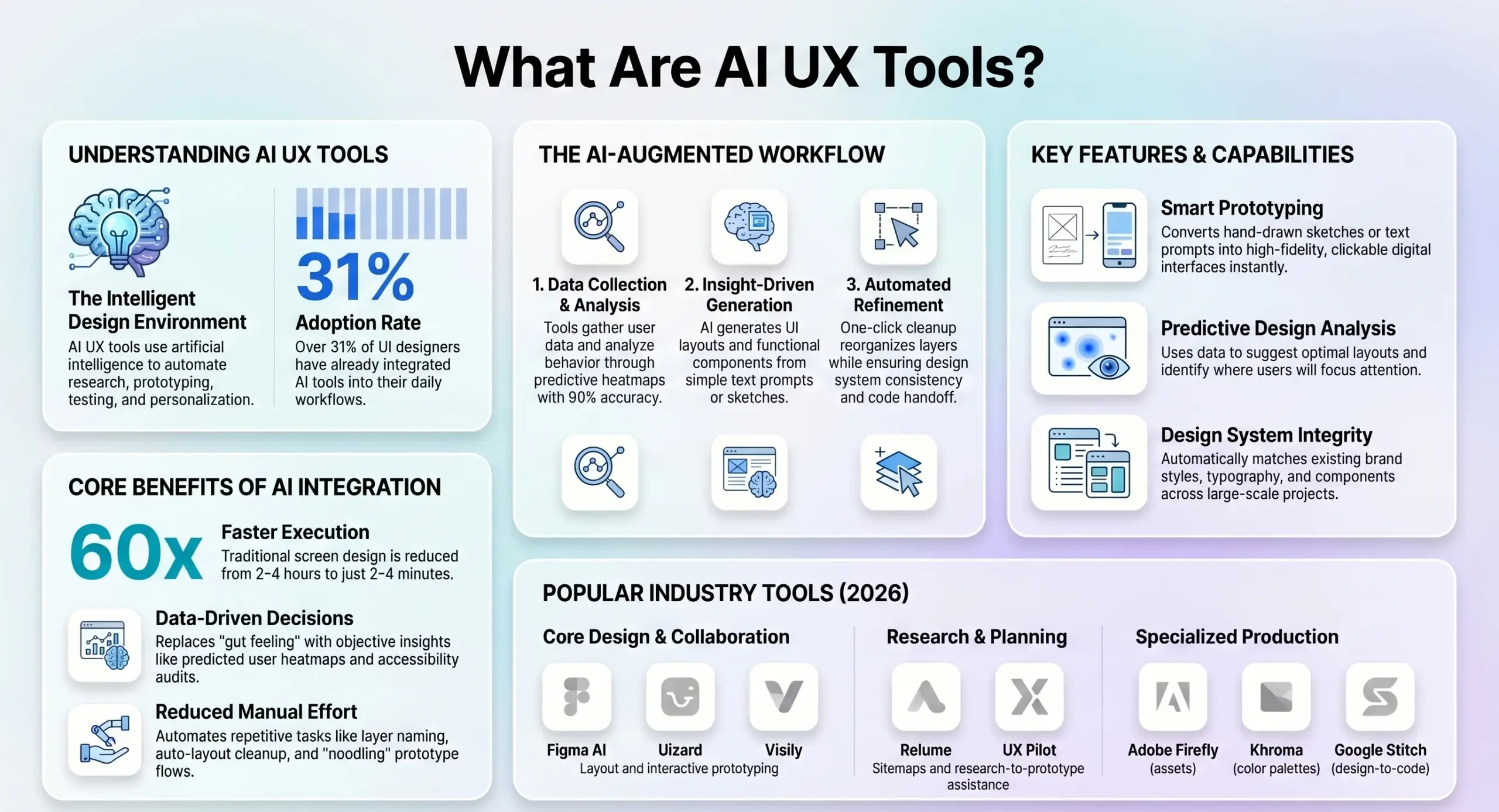
What are AI UX Tools?
Prototypes: These are clickable versions of your design that act like a real app so you can test them.
User Experience (UX): This is how a person feels when they use an app or a website. Good UX makes things easy and fun to use.
User Interface (UI): This is the actual look of the app, including the colors, buttons, and pictures.
AI UX Tools: These are smart software programs that use machine learning to help you create, test, and improve your designs in seconds.
Wireframes: These are simple “blueprints” of a screen, showing where things go before you add colors or images.
Quick Comparison: Top AI UX Tools at a Glance
| Tool Name | Best For | Ease of Use | Key Feature |
|---|---|---|---|
| Figma AI | Professional Teams | Moderate | Native AI integration |
| UX Pilot | Research & Validation | Easy | Predictive heatmaps |
| Uizard | Speed & Beginners | Very Easy | Sketch-to-UI conversion |
| Google Stitch | Free Prototyping | Easy | Prompt-to-code output |
| Visily | Non-Designers | Very Easy | Screenshot-to-wireframe |
| Relume AI | Marketing Sites | Moderate | AI Sitemap generator |
| Attention Insight | Data-Driven Testing | Easy | Scientific eye-tracking |
| Framer AI | Launching Websites | Easy | Design to live publish |
| Khroma | Color Matching | Very Easy | Personalized palettes |
| Adobe Firefly | Visual Assets | Easy | Custom icon generation |
Top 10 AI UX Tools for 2026
1. Figma AI – The Smart Industry Standard
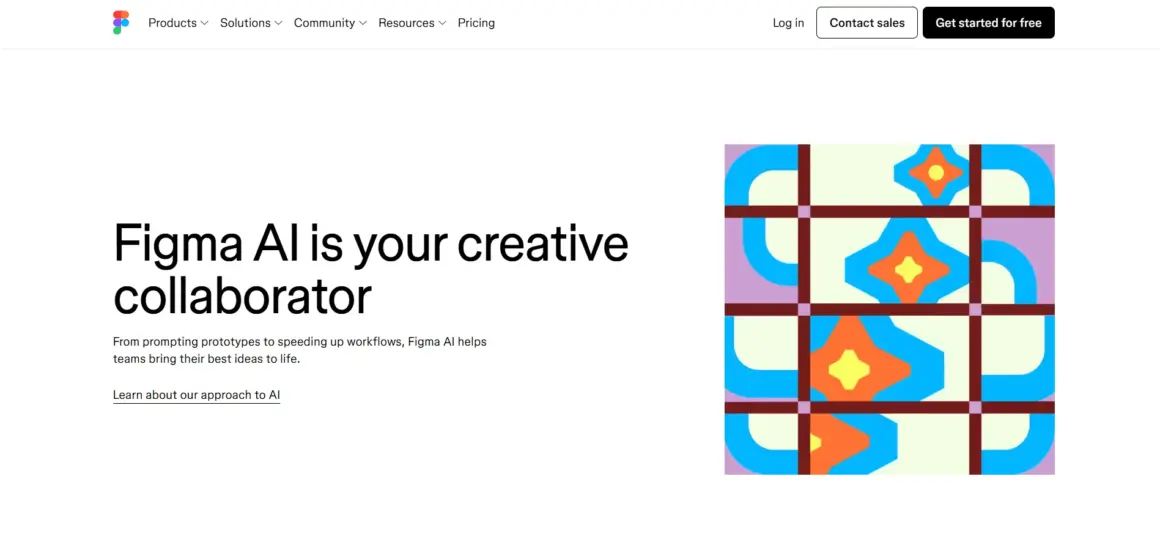
Figma is the tool almost every professional designer uses, and its new AI features are amazing!. It features a “Make Designs” tool where you can type a description, and Figma builds a multi-screen starting point for you. It even helps you organize your layers and rename things automatically, which saves so much time!. It is perfect if you already use Figma and want to keep all your work in one place.
2. UX Pilot – The Research Hero
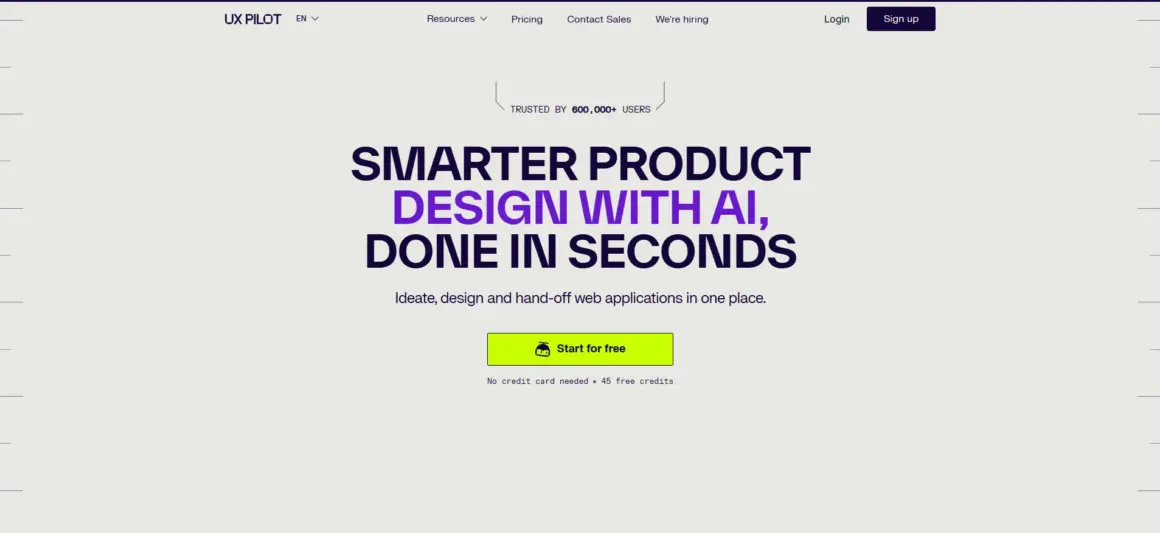
Great design is not just about looks; it is about data!. UX Pilot is an AI UX tool that helps you turn research into prototypes nearly 60% faster. Its best feature is the “Predictive Heatmap,” which shows you exactly where users will look before you even show the design to anyone!. This makes it a top choice for teams that want to prove their designs actually work.
3. Uizard – From Sketch to Screen
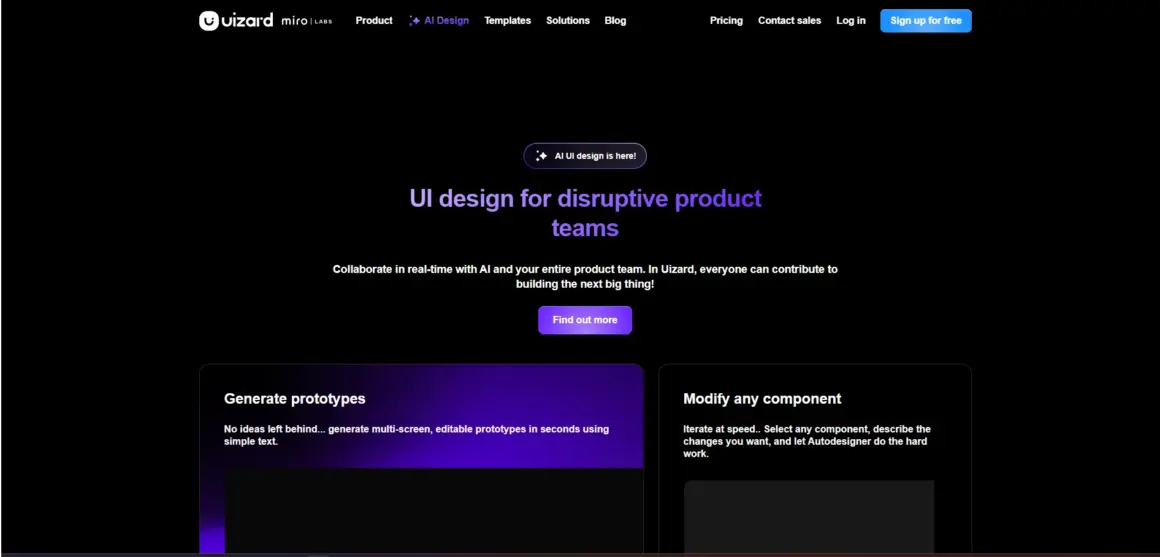
If you love drawing on paper, Uizard is for you!. You can take a photo of a whiteboard drawing or a napkin sketch, and Uizard’s AI will turn it into a high-quality digital design in seconds. It is incredibly beginner-friendly and great for founders who want to show their ideas to investors quickly!.
4. Google Stitch – The Free Powerhouse
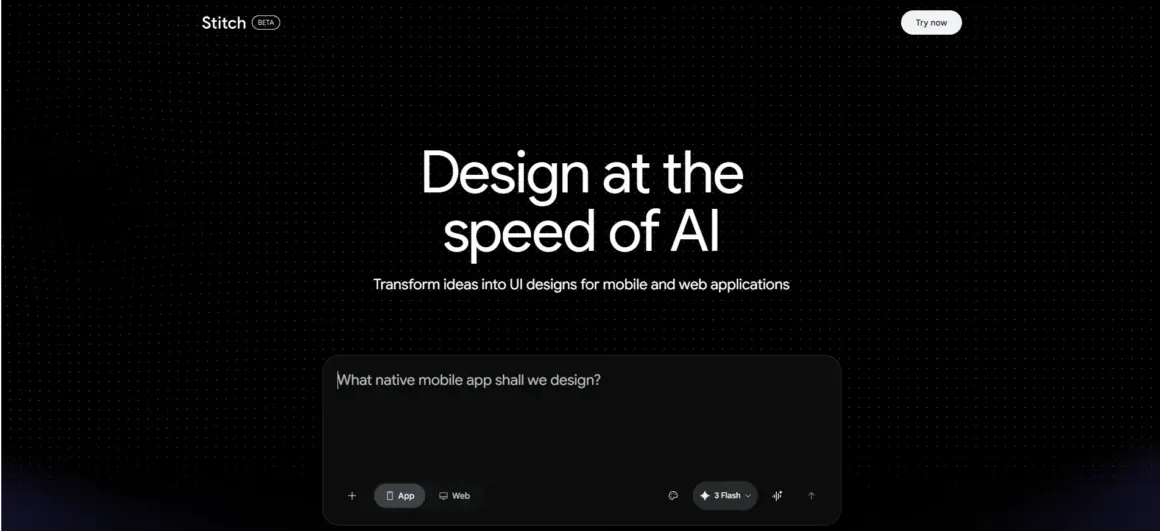
Google Stitch (formerly known as Galileo AI) is a free tool that converts text prompts into web and mobile designs. It uses Google’s Gemini AI models to understand what you want and can even export your design as working code!. It is a wonderful choice for learners and small teams with zero budget.
5. Visily – The Screenshot Transformer
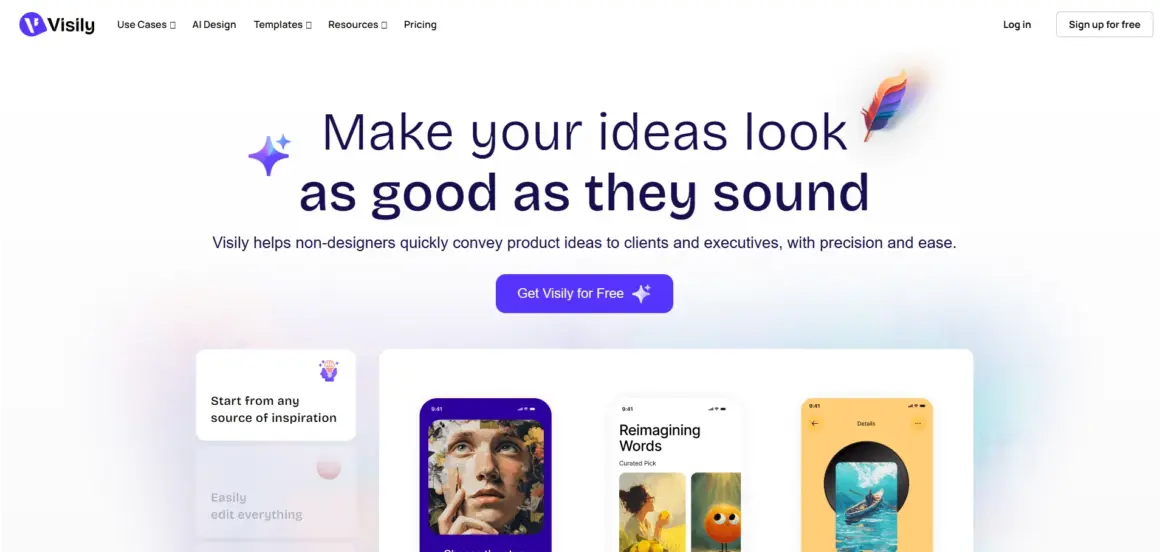
Have you ever seen an app you really liked and wished you could use its layout?. Visily allows you to upload a screenshot of any existing app, and then it turns that picture into an editable wireframe for you!. It is designed specifically for people who are not professional designers but still need to build great things!.
6. Relume AI – The Website Architect
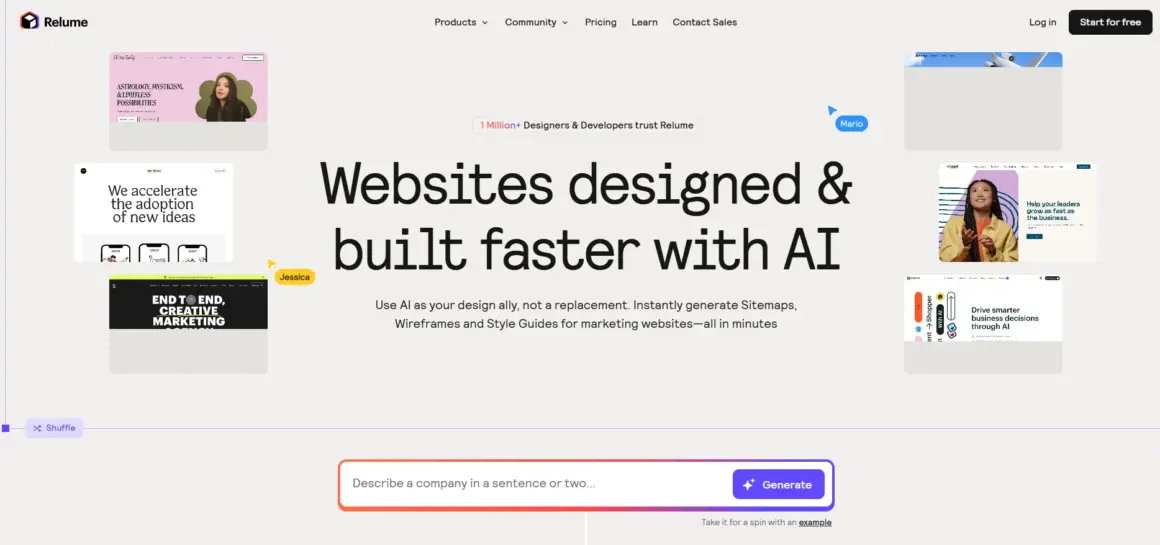
Building a website starts with a sitemap and a structure. Relume AI is one of the best AI UX tools for this. You just type a short description of your site, and it builds a full map of all the pages you need and places the components for you. It integrates perfectly with Figma and Webflow, making the move from design to code very smooth!.
7. Attention Insight – The Attention Predictor
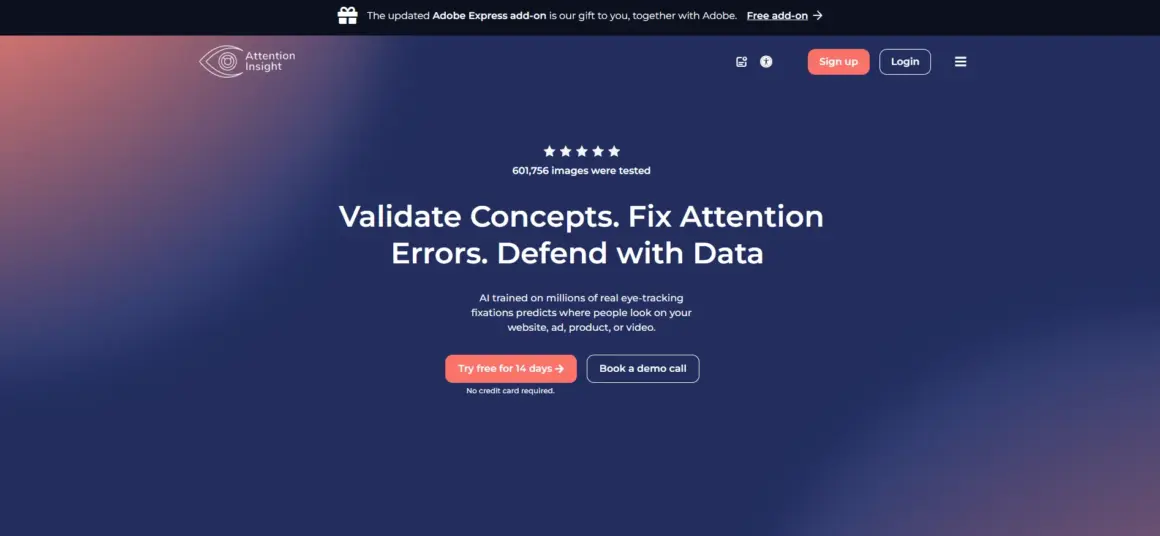
Stop guessing and start knowing!. Attention Insight uses a smart algorithm to predict user attention with 90% accuracy. When you upload your design, it creates a “heatmap” showing “hot zones” where people look and “cold zones” where they don’t. This is crucial for making sure your “Buy Now” button is actually seen!.
8. Framer AI – The Design-to-Live Engine
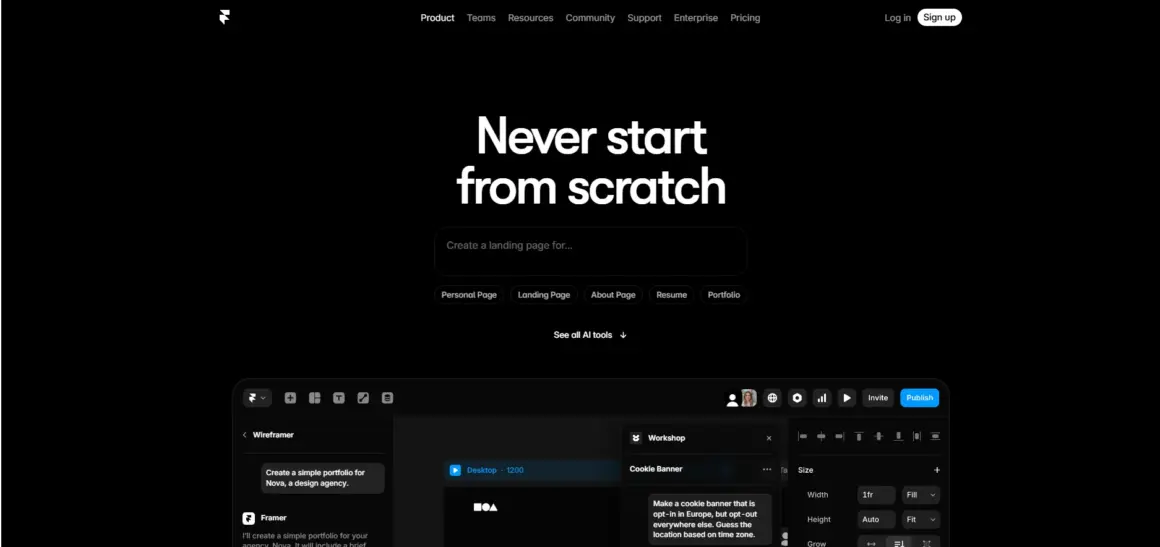
Framer AI changes the game by letting you design and publish at the same time!. You describe your website, and Framer builds it, complete with animations and responsive layouts for mobile and desktop. Once you are happy, you can publish it to a real URL with just one click!.
9. Khroma – Your Personal Color Assistant
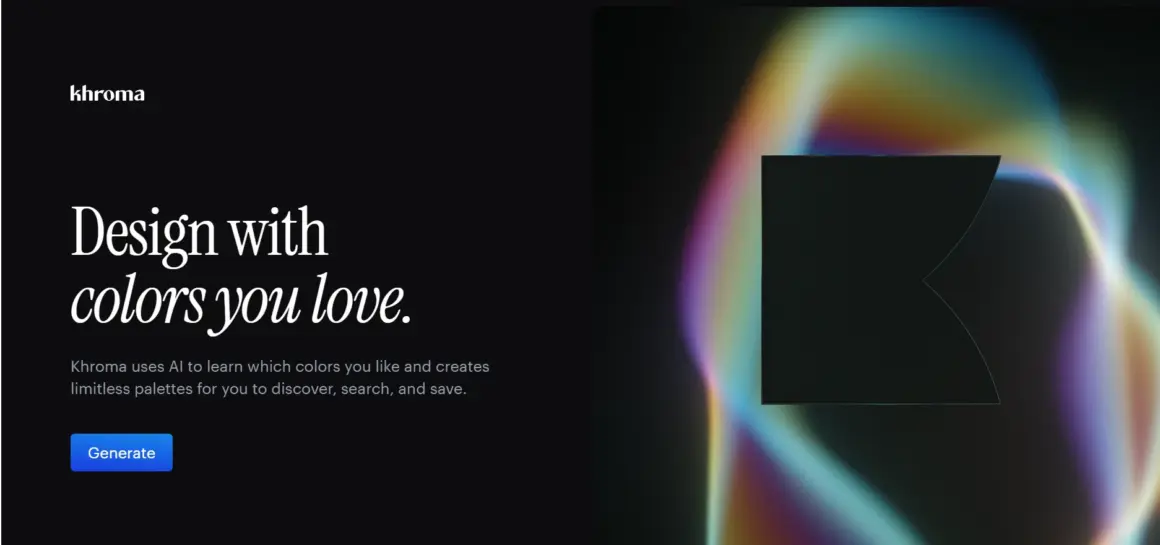
Choosing colors is hard!. Khroma is an AI tool that learns which colors you like and then generates limitless palettes just for you. It also checks if your text is easy to read against the background, which helps your design stay accessible for everyone. It is a simple but very powerful tool for every design stack.
10. Adobe Firefly – The Creative Soul
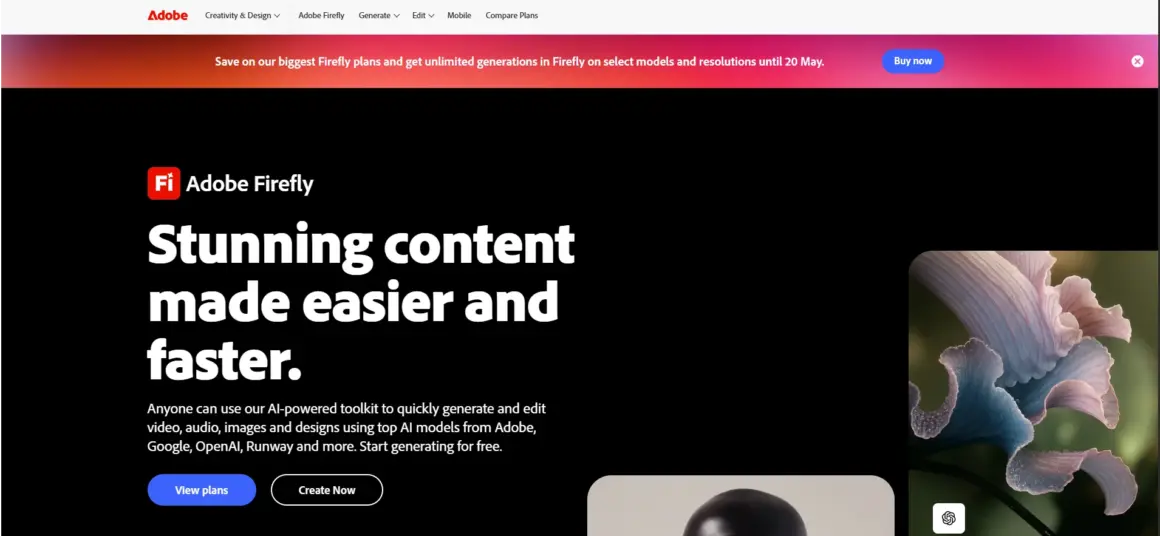
While other tools focus on boxes and buttons, Adobe Firefly focuses on the visuals. It allows you to generate custom icons, textures, and images that match your brand perfectly. Since it is built into the Adobe apps you already know, it makes adding polish to your UI extremely fast!.
Why Should You Use AI UX Tools?
You might be wondering, “Why do I need these tools?” Here are three big reasons!:
- Better Testing: You can find and fix mistakes before you spend money on developers!.
- Speed: You can finish in minutes what used to take days.
- Consistency: AI helps keep your colors and buttons the same across every screen.
It is very important to remember that AI is a helper, like a talented intern!. AI UX tools can draw screens, but they cannot feel empathy for your users or understand your secret business strategy.
As a human designer, your job is now to be a “Curation Specialist”. You write the prompts, you pick the best ideas, and you make sure the design feels human and trustworthy.
Summery
The future of UI/UX is bright, fast, and very smart!. By using these Top 10 AI UX Tools, you aren’t just working faster—you are future-proofing your career!.
Pick one tool from our list today, try the free version, and see how much easier your work becomes!. Happy designing!!.