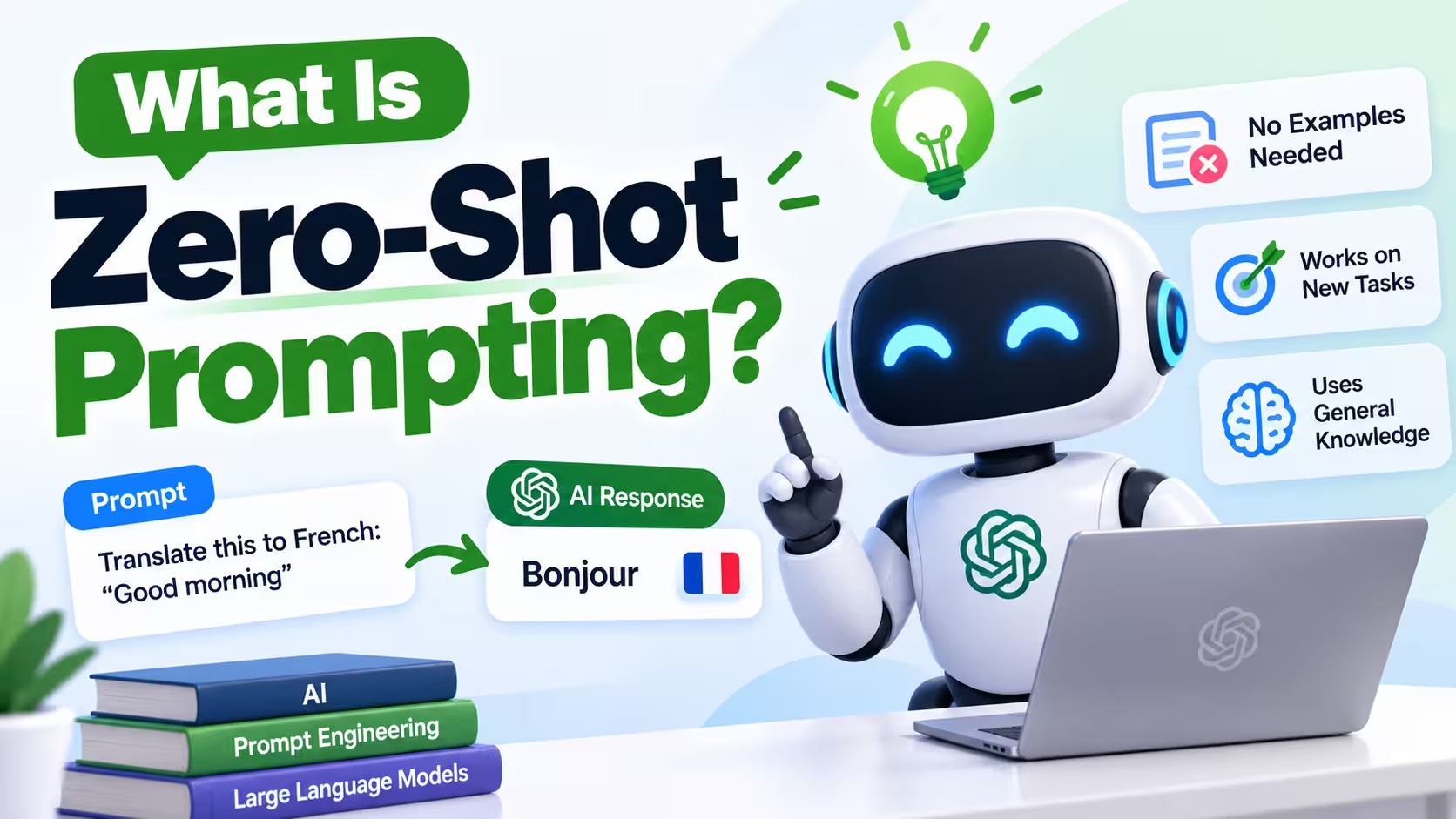
Zero-shot prompting is a technique that allows artificial intelligence (AI) models to complete tasks without receiving examples of the expected answers. Instead of showing an AI system how to respond, users provide a direct instruction. This approach is commonly used for writing, summarizing information, answering questions, and analyzing text.
The idea is simple: Describe what you want, provide the necessary information, and let the AI generate a response. Google describes zero-shot prompting as giving a language model a task without including examples that demonstrate the desired output.
What Is Zero-Shot Prompting and How Does It Work?
Zero-shot prompting is a method of communicating with a large language model (LLM) using instructions rather than examples. An LLM is an AI system trained on large amounts of information to understand and generate language.
The term “zero-shot” means that the prompt contains zero demonstrations of how the task should be completed.
For example, imagine you want an AI chatbot to identify whether a customer review is positive or negative.
You could write:
Prompt: “Identify whether this customer review is positive, negative, or neutral: ‘The product arrived late, and the packaging was damaged.'”
The AI might respond with “Negative” because it can interpret the meaning of the review without being shown a labeled example.
This works because language models have already learned patterns from their training data. They can use those learned patterns to interpret new instructions and produce relevant responses.
However, zero-shot prompting does not mean the AI has no prior knowledge. It means the user has not supplied task examples within the prompt.
According to Google’s machine learning guidance, prompting uses an existing model’s capabilities without changing its underlying parameters.
Zero-Shot Prompting vs Few-Shot Prompting
Zero-shot prompting is one of several techniques used in prompt engineering. Two closely related methods are one-shot prompting and few-shot prompting.
The main difference is the number of examples included in the instruction.
1. Zero-Shot Prompting
The user provides an instruction without demonstrating the expected response.
Example:
“Translate the following sentence into French: Good morning, everyone.”
The model attempts the translation directly.
2. One-Shot Prompting
The user provides one example before requesting a new answer.
Example:
English: Hello
French: Bonjour
English: Thank you
French:
The model uses the example to understand the desired format.
3. Few-Shot Prompting
The user provides multiple examples to demonstrate a pattern, response style, or classification rule.
Few-shot prompting can be particularly useful when a task requires consistent formatting or involves categories that are difficult to describe through instructions alone.
Google’s Gemini prompting documentation explains that including examples can help models understand the desired output more accurately.
The choice between these techniques depends on the task. A simple instruction may work without examples, while a complicated request may benefit from additional demonstrations.
Where Is Zero-Shot Prompting Used in AI?
Zero-shot prompting can be useful for everyday activities, especially when the instructions are clear and the task does not require a specialized output pattern.
Here are several common applications.
1. Text Summarization
Users can ask an AI system to summarize a long article, report, or document without showing it previous summaries.
For example: “Summarize this article in five simple sentences.”
2. Language Translation
AI models can translate sentences into different languages when users specify the source text and target language.
For example: “Translate this sentence into Spanish using natural, everyday language.”
3. Sentiment Analysis
Businesses can use AI to classify customer feedback as positive, negative, or neutral.
This can help organize feedback for review, although automated classifications may still contain errors.
4. Content Writing
Writers can generate article outlines, email drafts, short descriptions, or social media captions using direct instructions.
For example: “Write a short introduction explaining cloud computing to beginners.”
These examples show why zero-shot prompting can be convenient. Users do not need to prepare sample answers before making a request.
However, convenience does not guarantee accuracy.
AI systems can misunderstand vague instructions, generate incorrect information, or produce inconsistent formats. For important tasks, responses should be checked before they are used.
How to Write an Effective Zero-Shot Prompt
A good zero-shot prompt should explain the task clearly enough for the AI to understand what the user expects.
Here are five practical ways to improve your instructions.
1. Describe the task directly.
Use specific instructions such as “Summarize,” “Explain,” “Translate,” or “Classify” instead of making a vague request.
2. Provide relevant context.
Tell the model who the response is for and what information it should consider.
3. Specify the output format.
If you want bullet points, a paragraph, or a table, mention that in the prompt.
4. Set reasonable limits.
You can request a particular tone, length, or reading level to make the output more useful.
5. Review the response.
Check important details, especially when the answer involves technical instructions, statistics, or factual claims.
For example, instead of writing:
“Explain cybersecurity.”
You could write:
“Explain cybersecurity to a seventh-grade student in 150 words. Use simple English, describe three common online threats, and explain how people can protect themselves.”
Both instructions use zero-shot prompting because neither provides an example response. However, the second gives the model clearer guidance.
Zero-shot prompting also has an important place in AI research. OpenAI’s 2020 paper, Language Models are Few-Shot Learners, examined how GPT-3 performed on language tasks using different amounts of task-specific examples.
That research helped demonstrate how language models could respond to instructions without additional task-specific training.
For everyday users, the practical lesson is straightforward: Start with a clear instruction. If the AI struggles with accuracy, formatting, or consistency, consider adding examples or breaking the task into smaller steps.
