7 Prompt Engineering Templates You Can Use Today
Artificial Intelligence tools like ChatGPT, Claude, Gemini, and other AI assistants are becoming a part of everyday work. However, many people still struggle to get the results they want. The reason is simple: they are not using effective prompts.
This is where Prompt Engineering Templates become useful.
A prompt template gives you a proven structure that helps AI understand exactly what you need. Instead of guessing what to write, you can follow a template and get better, faster, and more accurate results.
In this guide, you will learn seven practical prompt engineering templates that you can start using immediately. Whether you are a beginner, student, content creator, marketer, developer, or business professional, these templates can improve your AI experience.
What Are Prompt Engineering Templates?
Prompt engineering templates are pre-designed prompt structures that help users communicate clearly with AI systems.
Think of them as ready-made frameworks. Instead of creating prompts from scratch every time, you can use a template and customize it for your task.
Benefits of using prompt engineering templates include:
- Better AI responses
- Faster workflow
- Consistent results
- Reduced trial and error
- Improved productivity
Let’s explore seven useful templates.
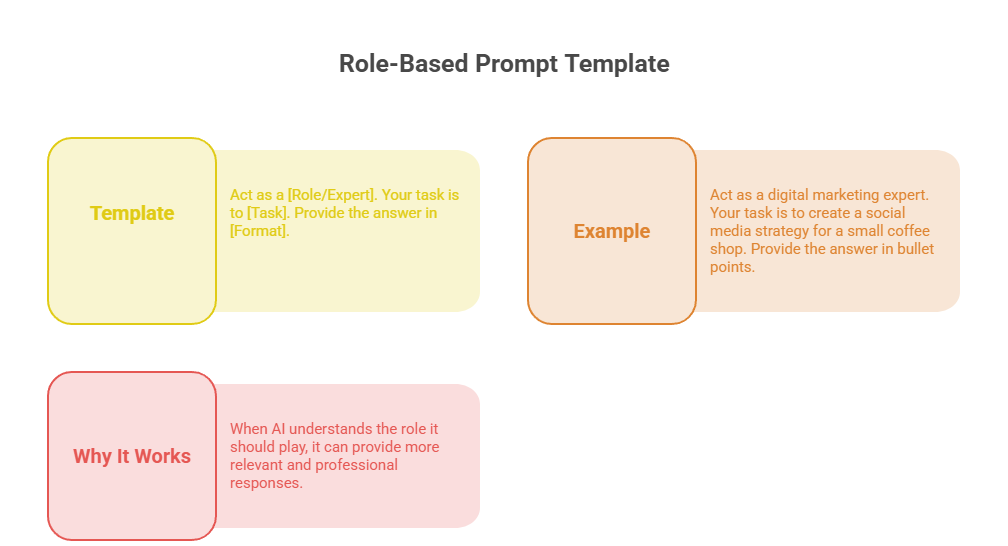
1. Role-Based Prompt Template
One of the simplest and most effective prompt engineering templates is the role-based template.
Here, you tell the AI to act as a specific expert before giving instructions.
Template:
Act as a [Role/Expert]. Your task is to [Task]. Provide the answer in [Format].
Example:
Act as a digital marketing expert. Your task is to create a social media strategy for a small coffee shop. Provide the answer in bullet points.
Why It Works:
When AI understands the role it should play, it can provide more relevant and professional responses.
2. Context + Task Template
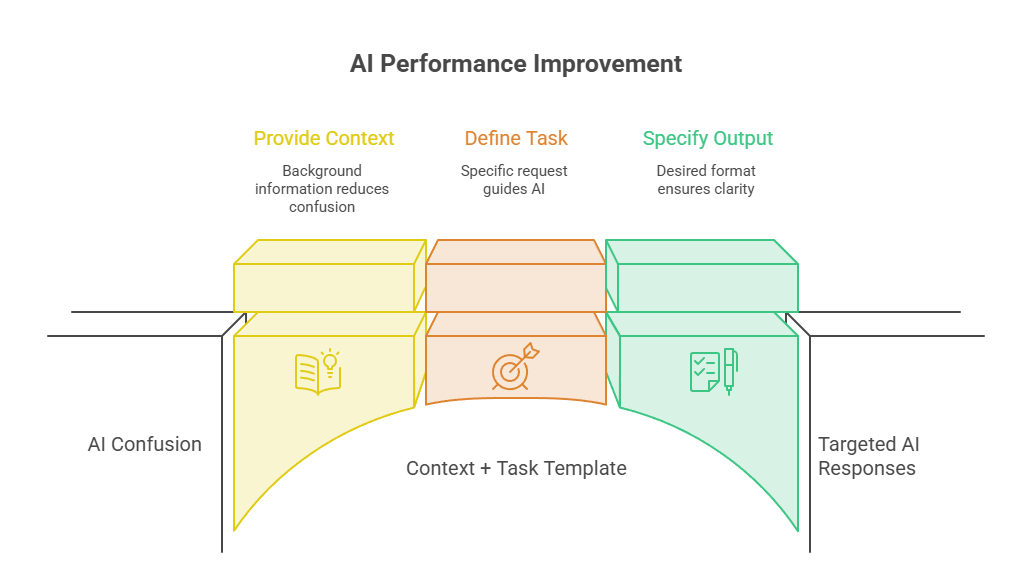
AI performs much better when it understands the background information.
This template combines context with a clear task.
Template:
Context: [Background Information]
Task: [Specific Request]
Output Format: [Desired Format]
Example:
Context: I run a fitness blog for beginners.
Task: Create 10 blog topic ideas related to weight loss.
Output Format: Numbered list.
Why It Works:
Providing context reduces confusion and helps AI generate targeted responses.
3. Step-by-Step Instruction Template
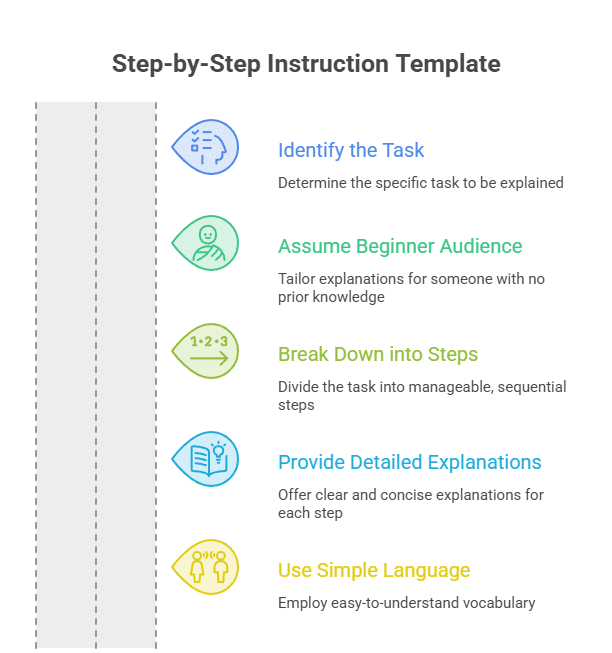
If you need detailed explanations, use a step-by-step template.
Template:
Explain how to [Task] step by step. Assume the reader is a beginner.
Example:
Explain how to start a YouTube channel step by step. Assume the reader has no previous experience.
Why It Works:
This template encourages AI to break down complex topics into simple and understandable steps.
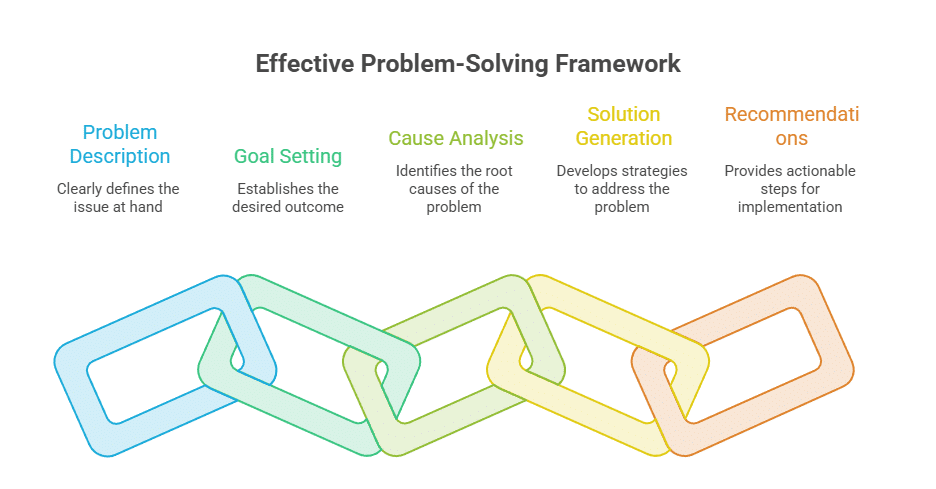
4. Problem-Solution Template
This template is excellent for troubleshooting and decision-making.
Template:
Problem: [Describe the Issue]
Goal: [Desired Outcome]
Provide: Causes, solutions, and recommendations.
Example:
Problem: My website traffic has dropped significantly.
Goal: Increase organic traffic.
Provide: Possible causes, solutions, and actionable recommendations.
Why It Works:
It helps AI focus on solving a specific challenge instead of giving generic information.
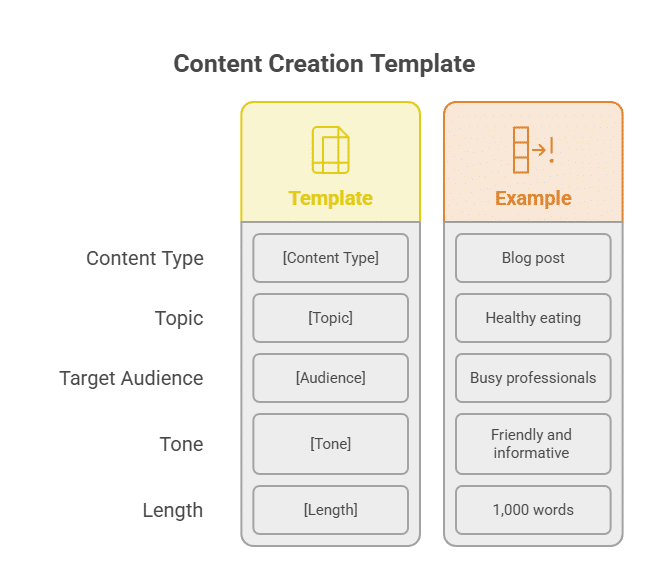
5. Content Creation Template
Content creators can save a lot of time with this prompt engineering template.
Template:
Create a [Content Type] about [Topic].
Target Audience: [Audience]
Tone: [Tone]
Length: [Length]
Example:
Create a blog post about healthy eating.
Target Audience: Busy professionals.
Tone: Friendly and informative.
Length: 1,000 words.
Why It Works:
This template clearly defines the content requirements, leading to better-quality outputs.
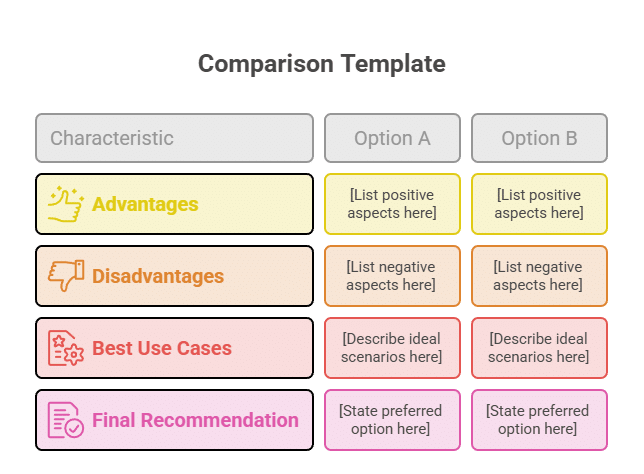
6. Comparison Template
Need help choosing between options? This template is perfect.
Template:
Compare [Option A] and [Option B].
Include:
- Advantages
- Disadvantages
- Best use cases
- Final recommendation
Example:
Compare ChatGPT and Gemini.
Include:
- Advantages
- Disadvantages
- Best use cases
- Final recommendation
Why It Works:
It organizes information logically and helps users make informed decisions.
7. Few-Shot Example Template
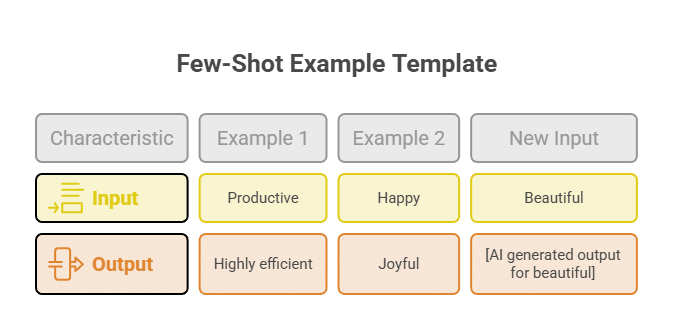
Few-shot prompting involves showing examples before asking AI to generate a response.
Template:
Example 1:
Input: [Example Input]
Output: [Example Output]
Example 2:
Input: [Example Input]
Output: [Example Output]
Now complete:
Input: [New Input]
Output:
Example:
Example 1:
Input: Productive
Output: Highly efficient
Example 2:
Input: Happy
Output: Joyful
Now complete:
Input: Beautiful
Output:
Why It Works:
Examples help AI understand patterns and generate more accurate responses.
Tips for Using Prompt Engineering Templates Effectively
Even the best templates work better when used correctly.
Follow these simple tips:
- Be specific with instructions.
- Provide enough context.
- Define the desired output format.
- Mention the target audience when needed.
- Test different variations.
- Keep prompts clear and concise.
Small improvements in your prompts can produce significantly better results.
Common Mistakes to Avoid
Many users do not get the results they expect because of common prompt-writing mistakes.
Avoid these errors:
- Using vague instructions
- Providing little or no context
- Asking multiple unrelated questions at once
- Not specifying the output format
- Expecting AI to understand unclear requests
Clear communication leads to better AI performance.
Why Prompt Engineering Matters
As AI tools become more powerful, the ability to communicate effectively with them becomes a valuable skill.
Prompt engineering is no longer just for developers. Writers, marketers, students, business owners, researchers, and professionals can all benefit from learning how to write better prompts.
Using structured prompt engineering templates makes the process easier and more reliable.
Conclusion
Learning how to use Prompt Engineering Templates is one of the fastest ways to improve your AI results.
Instead of spending time rewriting prompts repeatedly, you can rely on proven frameworks that help AI understand your goals clearly.
The seven templates covered in this guide—Role-Based, Context + Task, Step-by-Step, Problem-Solution, Content Creation, Comparison, and Few-Shot Examples—can be applied to countless real-world situations.
Start using these prompt engineering templates today, experiment with different variations, and discover how much better your AI-generated results can become.
The better your prompts, the better your outcomes!


