12 Best AI UI Design Tools for Designers
Are you still staring at a blank canvas for hours? In 2026, the design world has changed forever! AI UI Design Tools are no longer just a trend—they are a necessity for every modern designer. Whether you are a beginner just starting out or a seasoned professional, these tools can help you turn a simple idea into a high-quality interface in just a few minutes.
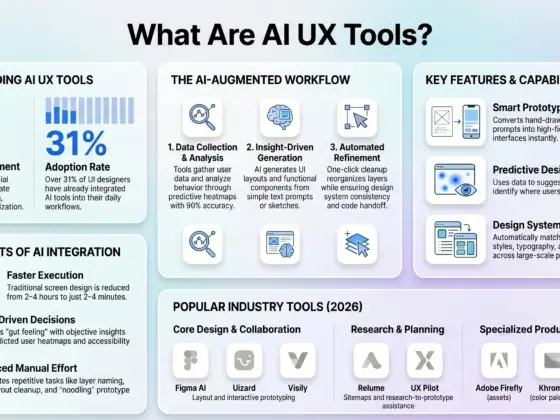
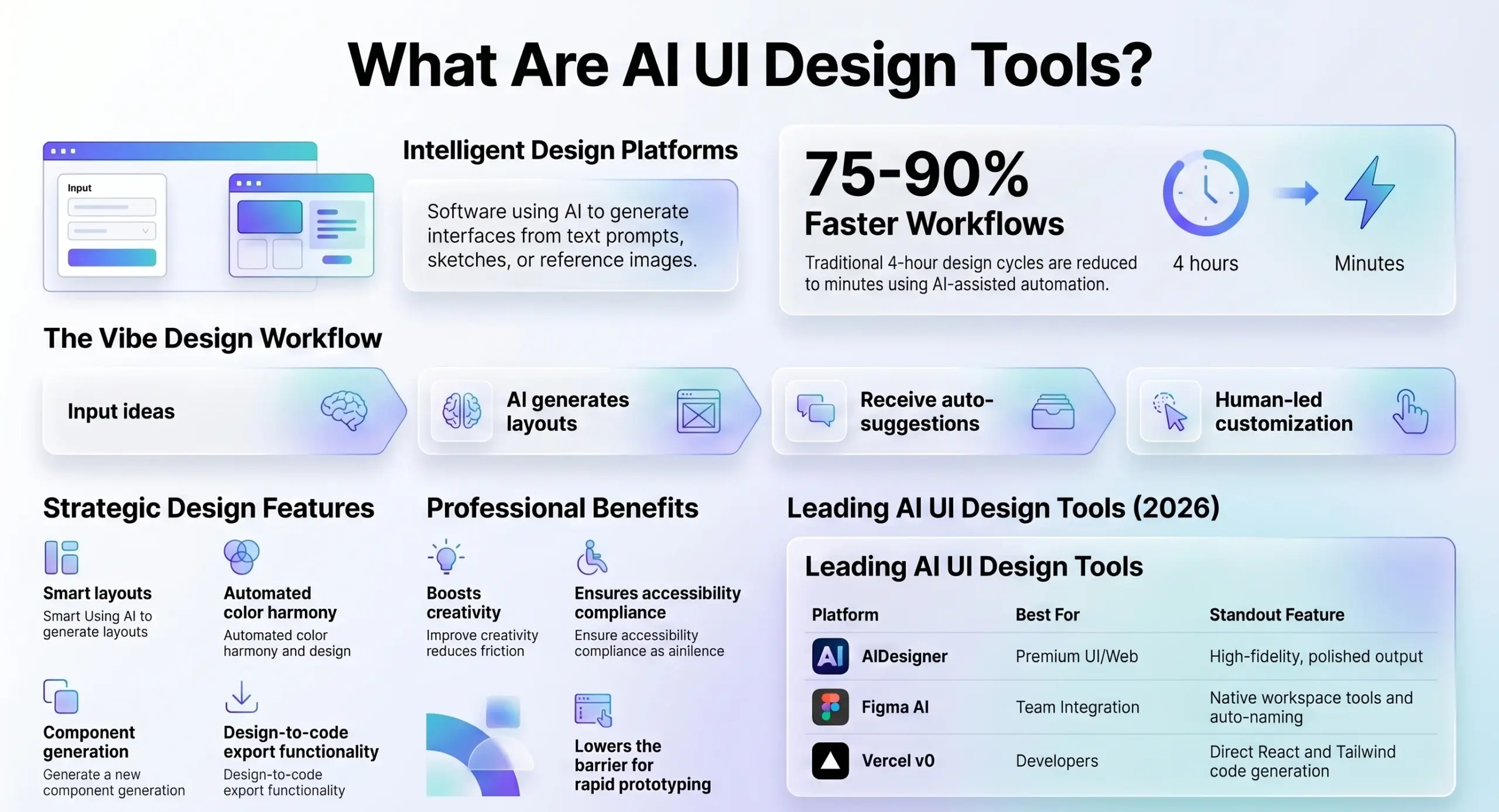
Imagine finishing a project that used to take four hours in only four minutes! That is the power of AI. In this guide, we will explore the absolute best tools available right now to supercharge your workflow. Let’s dive in!
What Exactly are AI UI Design Tools?
Before we look at the list, let’s define what we are talking about. AI UI Design Tools are software platforms that use artificial intelligence to create user interface (UI) designs. Instead of manually dragging every button and card into place, you can simply describe what you want in plain English, upload a rough sketch, or even share a reference image.
The AI then uses machine learning to understand your request and builds a complete, professional-looking interface for you. These tools have improved so much that the designs they create now look like they were made by a senior designer, with perfect spacing and clear visual hierarchy.
Why Should You Use AI in Your Design Process?
Using AI is not about replacing your creativity. It is about being a “creativity multiplier”. Here is why you need these tools:
- Prototyping: You can generate multiple variations of a design to test with users before you commit to a final version.
- Incredible Speed: You can move from a basic brief to a first draft in seconds, which helps you beat creative blocks instantly.
- Workflow Efficiency: About 89% of designers say AI has improved their daily work by handling “busywork” like resizing components or renaming layers.
- Accessibility: AI can automatically check your designs for contrast ratios and generate alt-text, making your products more inclusive for everyone.
Quick Comparison: Top AI UI Design Tools at a Glance
| Tool | Best For | Starting Price | Output Quality |
|---|---|---|---|
| AIDesigner | Premium UI/Web Design | Free / $25/mo | Excellent |
| Figma AI | Teams in the Figma Ecosystem | Free / $15/mo | Very Good |
| Galileo AI | High-Fidelity Designs from Prompts | Free / $19/mo | Excellent |
| Uizard | Rapid Multi-Screen Prototyping | Free / $12/mo | Good |
| Vercel v0 | Developers (React/Tailwind Code) | Free / $20/mo | Very Good |
| Relume | Sitemap and Wireframe Systems | Free / $38/mo | Good |
12 Best AI UI Design Tools
1. AIDesigner
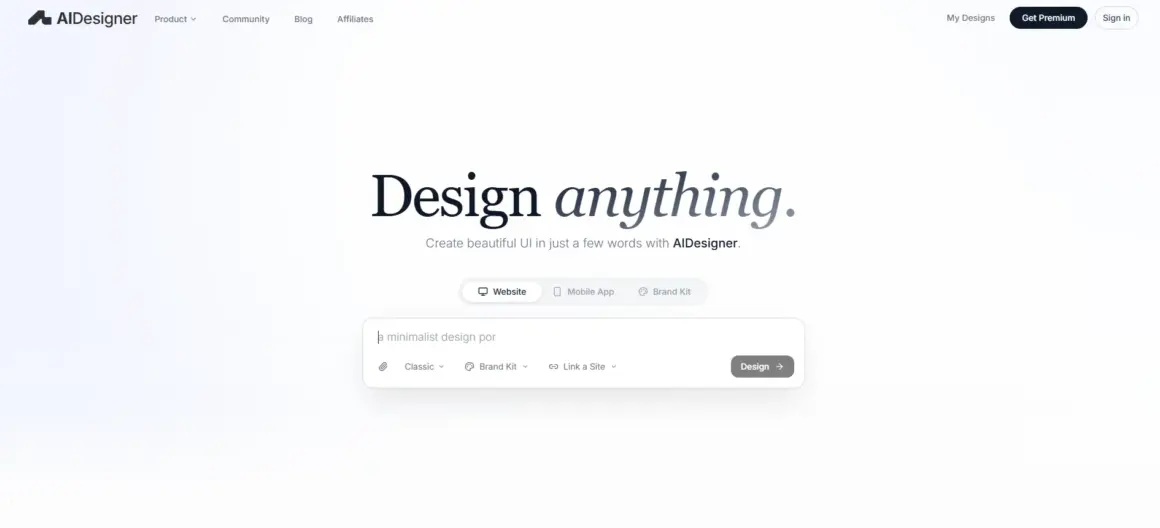
If you want your designs to look truly professional and not like a generic template, AIDesigner is the top choice. It features an infinite canvas where you can generate many variations and compare them side-by-side. It is perfect for landing pages and dashboards because it understands complex visual hierarchies better than most tools.
2. Figma AI
Most designers already live in Figma, so Figma AI is a game-changer because you never have to leave your workspace. Its “First Draft” feature generates editable designs from text prompts, and its new image tools can expand or remove backgrounds in seconds. It even has an MCP server that connects your designs directly to coding tools like VS Code.
3. Galileo AI
Recently rebranded as Google Stitch, this tool is amazing at understanding industry-specific patterns. If you ask for a “fintech dashboard,” it knows exactly what kind of charts and metrics cards to include. It can even turn a rough “napkin sketch” into a structured, responsive interface.
4. Uizard
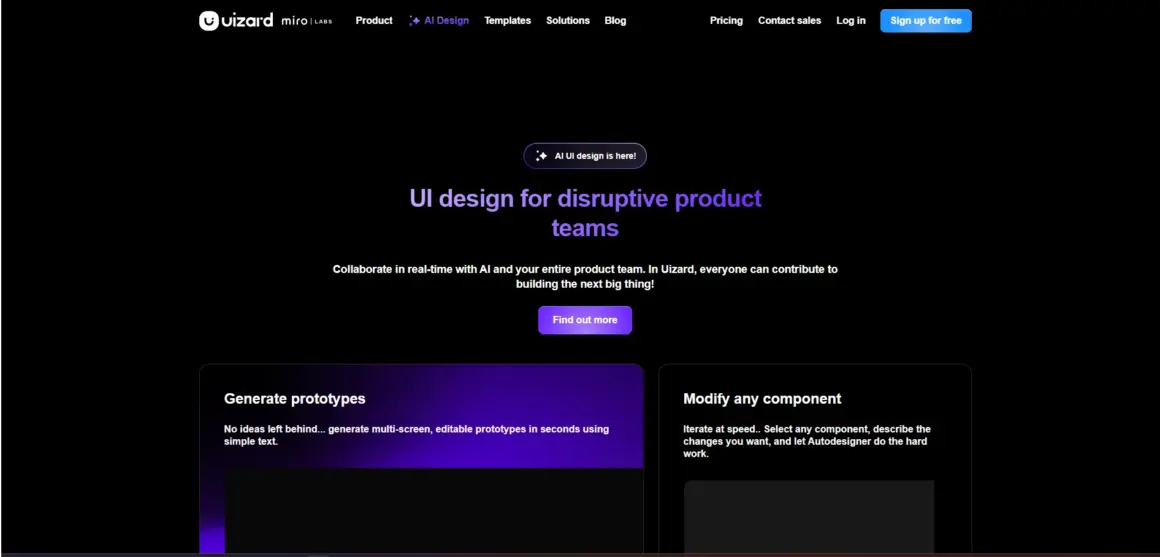
For those who need to move fast, Uizard is the speed king. Its Autodesigner can generate an entire multi-screen app flow from a single description. It also features a screenshot scanner that converts any image into customizable UI components. It is incredibly beginner-friendly!
5. Visily
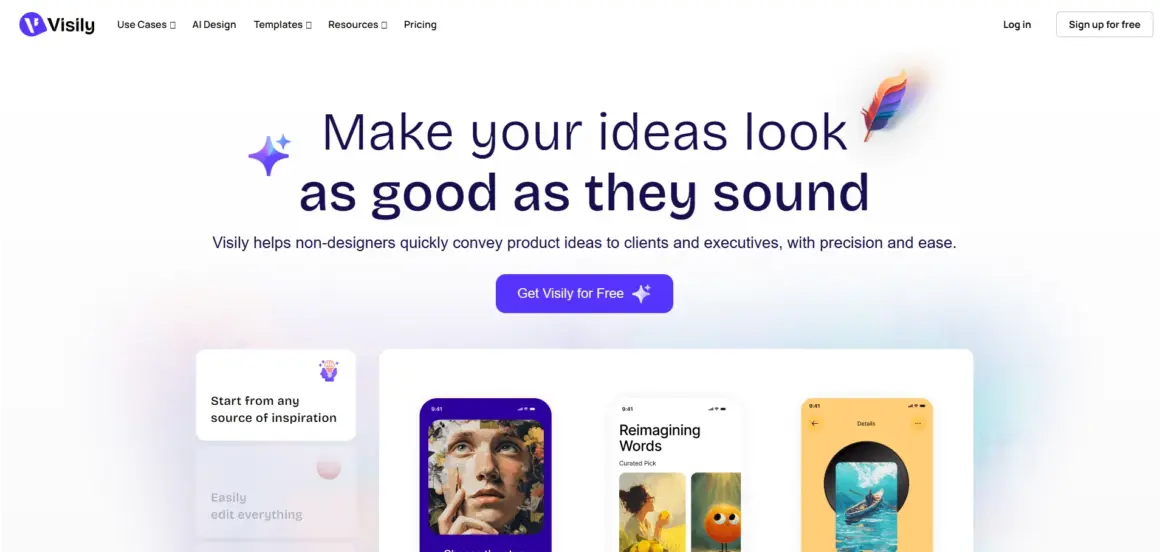
Visily is a powerful tool for the early stages of design, like wireframing and ideation. It offers several modes, including text-to-design and diagram-to-design, so you can explore many different directions very quickly. The free tier is also very generous, which is great for beginners.
6. UX Pilot
This tool is perfect for designers who care about user research. Not only does it generate wireframes and high-fidelity screens, but it also creates predictive heatmaps. These heatmaps show you where users are likely to focus their attention, helping you validate your layout before you even start testing.
7. Framer AI
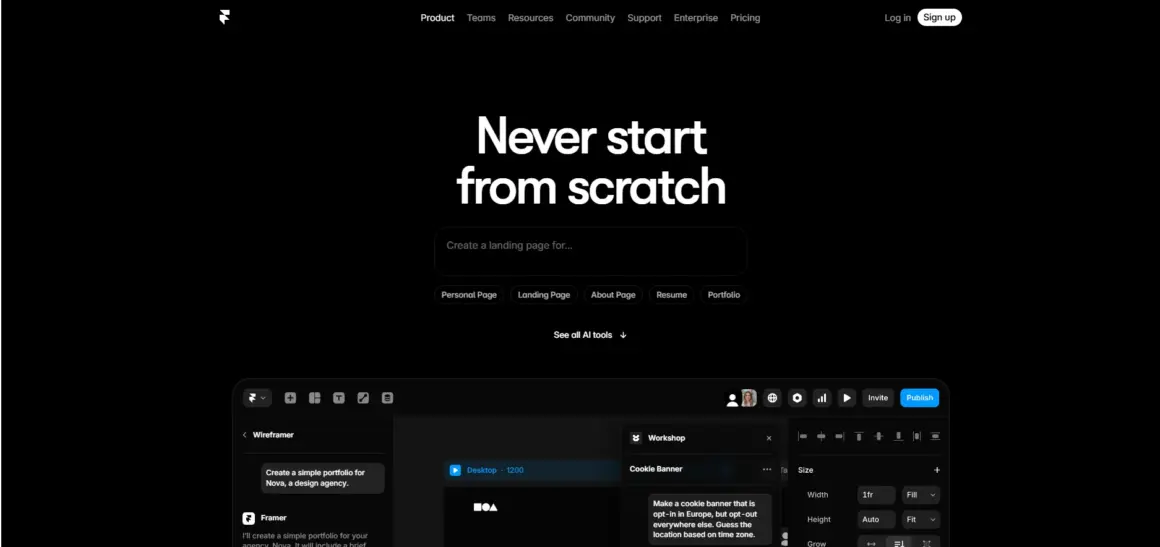
While many tools create mockups, Framer AI creates live websites you can actually publish. It generates responsive sites with desktop and mobile views automatically. It is the best choice for marketing teams that want to go from an idea to a live site in minutes.
8. Vercel v0
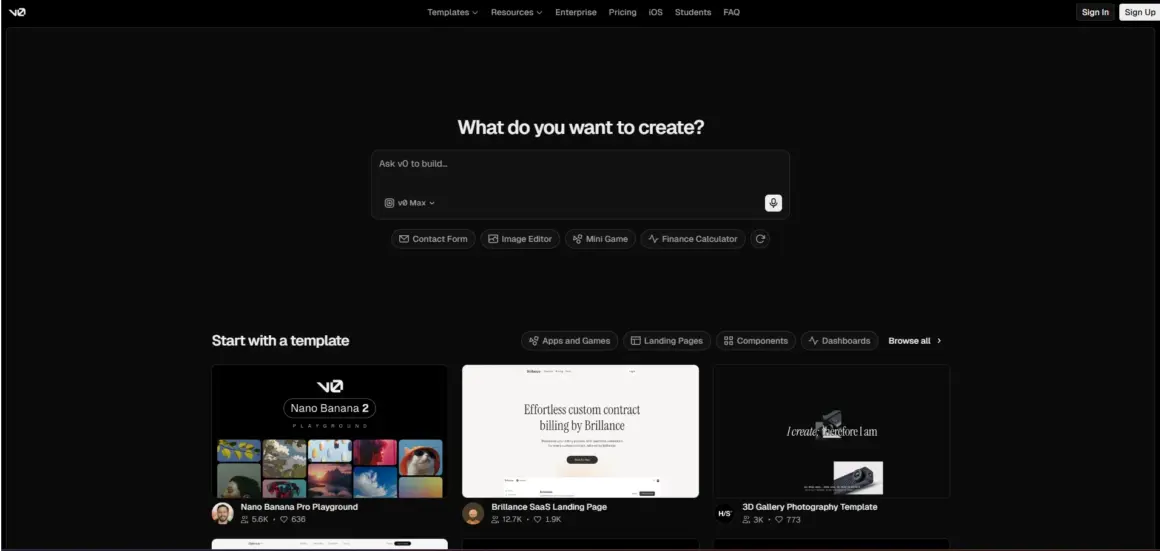
This is the bridge between design and development. You describe a component, and v0 generates clean React and Tailwind CSS code. It is an “agentic” tool, meaning it can even help you fix errors and deploy your project straight to Vercel.
9. Motiff
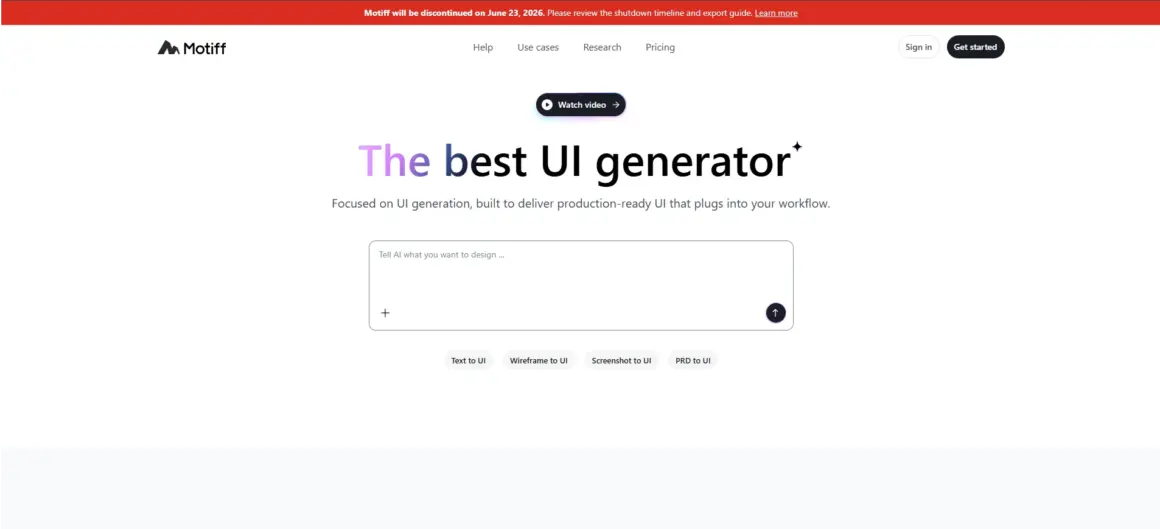
Motiff is a great alternative to Figma that was built with an “AI-first” mindset. It includes built-in design systems like Material Design and Ant Design, so your AI-generated screens always follow professional standards. It also has “AI Lab” features for more experimental design work.
10. Adobe Firefly
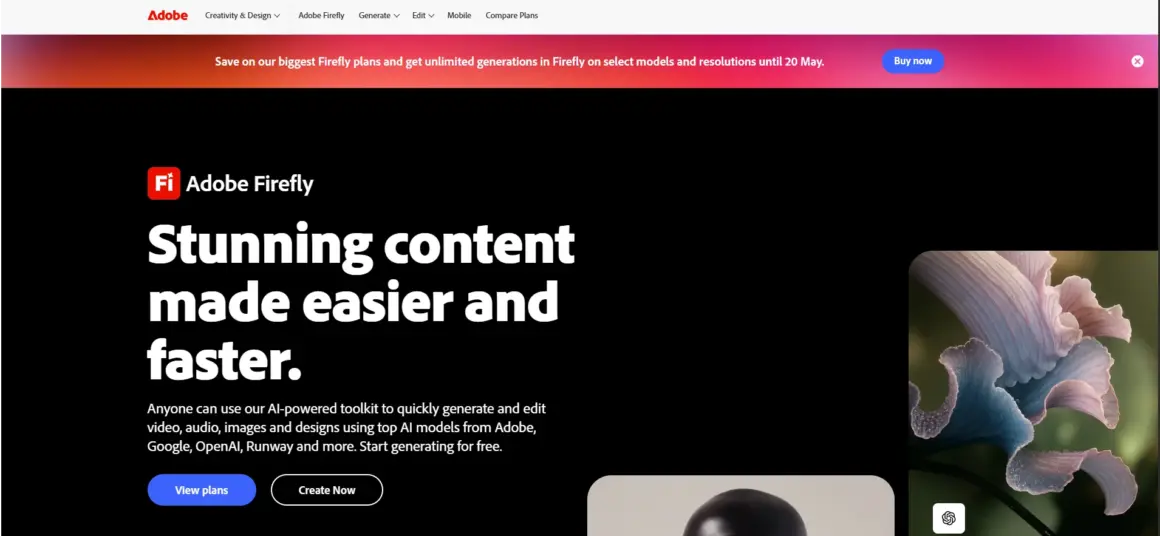
While not a layout tool, Adobe Firefly is essential for creating the assets that go into your UI. You can use it to generate custom icons, unique textures, and background images that are safe for commercial use. It works perfectly inside Photoshop and Illustrator.
11. Banani
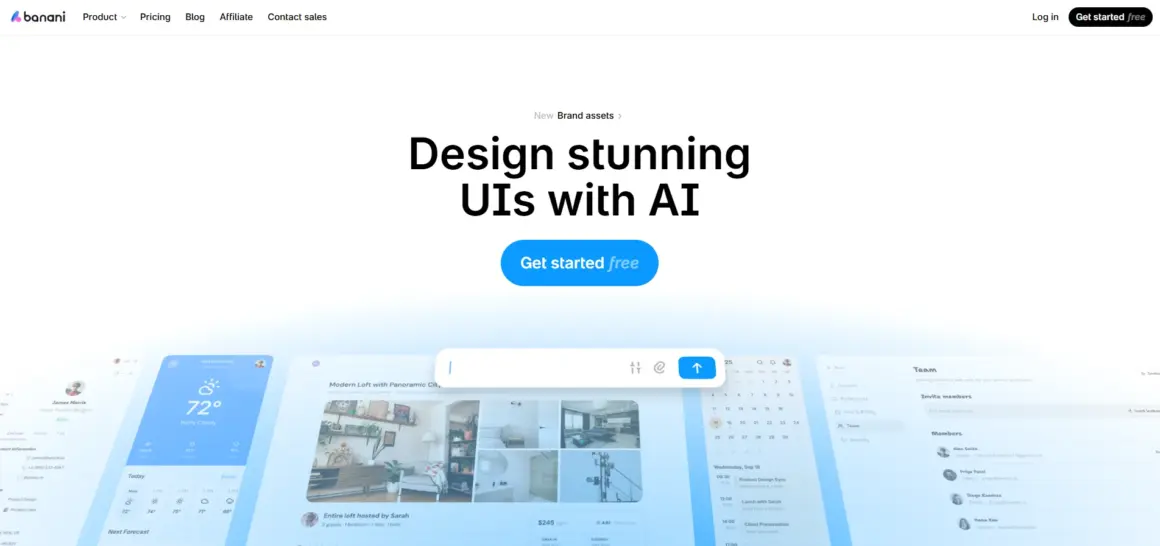
Banani is unique because it can learn from your existing work. You can upload your own Figma UI kit, and the AI will generate new designs that match your specific brand styles and components. It is great for maintaining consistency across a large project.
12. Relume
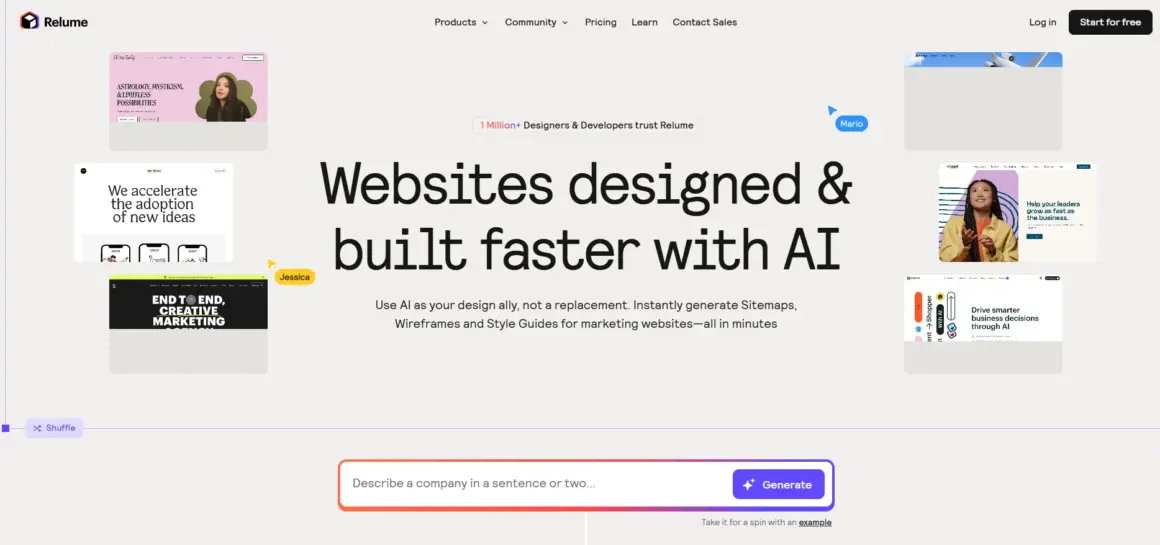
Relume is the best tool for planning the structure of a website. It generates a full sitemap first, then turns that sitemap into wireframes for every single page. It uses a library of over 1,000 components to make sure your wireframes are production-ready.
Wait! What About Copyright Laws?
This is a very important question! In 2026, the law is clear: pure AI-generated designs often cannot be copyrighted because they lack “human authorship”. If an AI does all the work, your design might technically belong to the public domain.
To protect your brand, you must be a “Collaborator” or “Director” and not just a prompt-typer. The best way to ensure you own your work is to take the AI output and “meticulously redraw” it, adding your own human touch and unique creative decisions. Always remember that AI is your assistant, but you are the boss!
Frequently Asked Questions (FAQs)
1. Can AI replace a professional designer?
No! AI tools only handle the repetitive work. They cannot replace human empathy, strategic thinking, or the ability to tell a brand’s story.
2. Which tool is best for beginners?
Uizard and Magician are very beginner-friendly because they require almost no setup and offer immediate value.
3. Do these tools cost a lot of money?
Most offer a free tier so you can try them out. Paid plans usually start between $12 and $40 per month, which is a small price to pay for the hours of time you will save!
4. Can I export the designs to code?
Yes! Tools like Flowstep, v0, and UX Pilot can export clean HTML, CSS, React, and TypeScript code that developers can use immediately.
Summery
The future of design is all about the partnership between humans and machines. By using these AI UI Design Tools, you are not just working faster—you are freeing yourself up to focus on the parts of design that really matter, like user research and creative strategy.
Don’t let the technology scare you. Instead, pick one tool that solves your biggest bottleneck and give it a try. Whether it is AIDesigner for premium looks or Figma AI for your daily workflow, you will be amazed at what you can create!
Ready to boost your productivity? Try one of these tools today and see the magic for yourself!