Prompt Engineering With RTF Framework: Beginner’s Guide
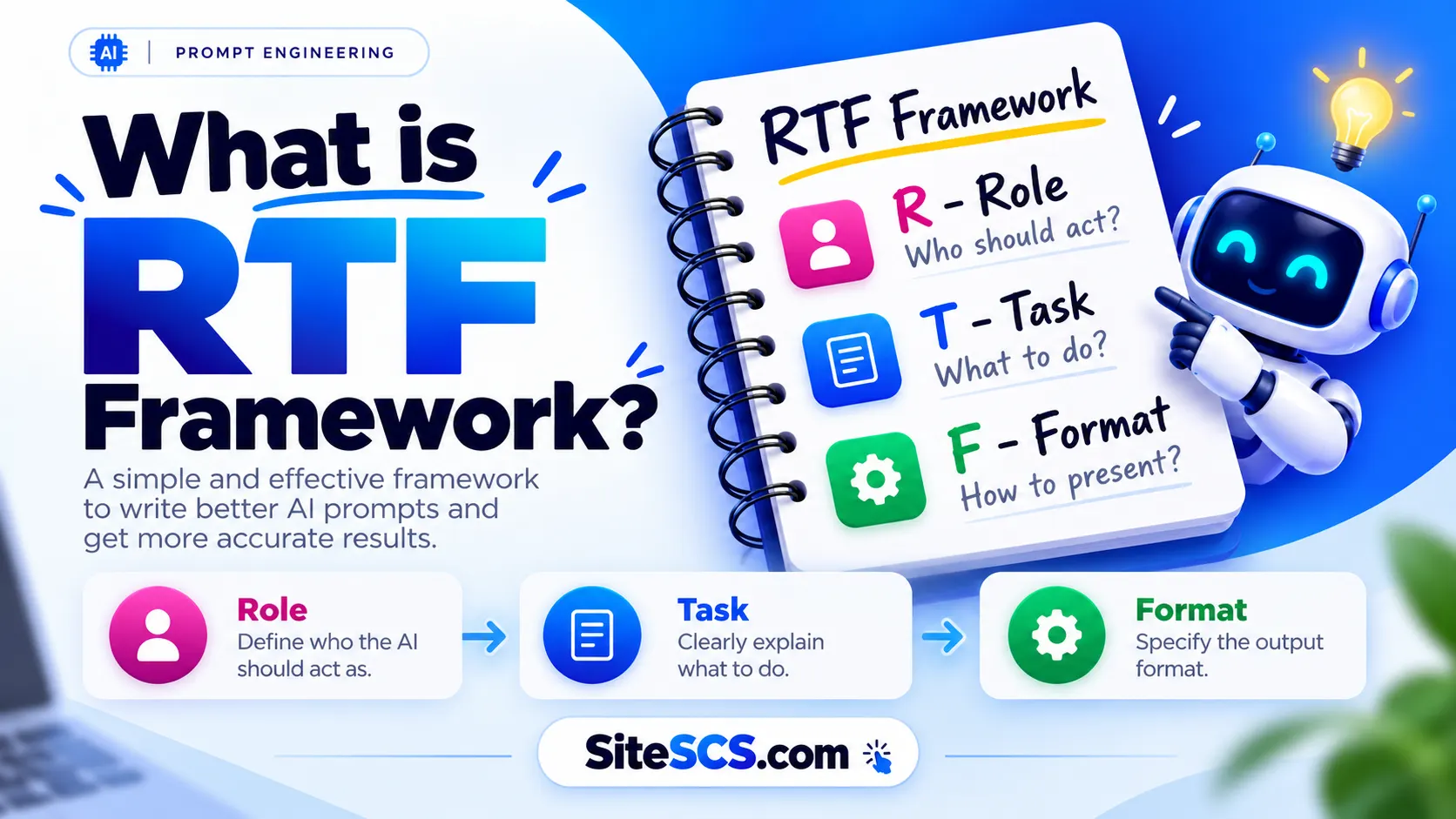
what is rtf framework

Have you ever asked on Google a question and received an answer that wasn’t quite what you expected? Maybe the explanation was too complicated, the response was too long, or the AI simply didn’t understand what you wanted. Well, here’s something interesting! Sometimes, the problem isn’t the AI tool itself. It’s the way we write …


Read more

100 Killer Websites You’ll Wish You Knew Sooner

100 killer websites

The internet is full of surprises! Seriously, there are millions of websites out there, but most of us keep visiting the same few every day. Google, YouTube, Instagram, Gmail… and that’s pretty much it! But what if I told you there are websites that can help you edit photos without installing software, learn new skills …

Read more

Top 10 AI Agent Development Companies in India

sitescs.com

AI agents are moving beyond simple chatbots. A chatbot normally waits for you to ask something, gives an answer, and stops there. An AI agent can go further — it can understand a goal, decide what needs to happen next, use tools, communicate with other systems, and complete multiple steps with limited human involvement. Imagine …

Read more

25 Best Prompt Engineering MCQs with Answer

Best Prompt Engineering MCQs with Answer

Test how well you actually understand prompting — not just how fast you can type into a chat box. Prompt engineering has quietly become one of the most practical skills of the AI era. It isn’t about memorising magic phrases or hunting for a secret “power prompt.” It’s about writing instructions that are specific, well-structured, …

Read more

How to Check RAM on Windows 11 and Windows 10

computer

Checking how much RAM your Windows PC has is useful when you’re installing software, troubleshooting slow performance, or checking whether your computer meets a program’s requirements. Windows provides several built-in ways to check RAM. The easiest method is through Settings, but you can also use Task Manager, System Information, or a simple command. Method 1: …

Read more

How to Check Your Computer Specifications on Win11: 6 Easy Methods

computer

Do you want to know your computer’s processor, RAM, storage, graphics card, Windows version, or other hardware details, Windows 11 provides several built-in ways to check them. The easiest option is Settings > System > About, which shows basic device specifications. For more detailed information, you can use Task Manager, System Information, DirectX Diagnostic Tool, …

Read more